Verified
★★★★★
Absolutely love this. Works like an amazing little assistant right in my pocket.
 ×Nutsaisher
For iPhone users who want meetings, ideas, and thoughts captured in one tap — so voice becomes text, summaries, and mind maps without unlocking the phone to hunt for a notes app first.

Based on real creator reviews · Trusted by 1.5M+ users globally
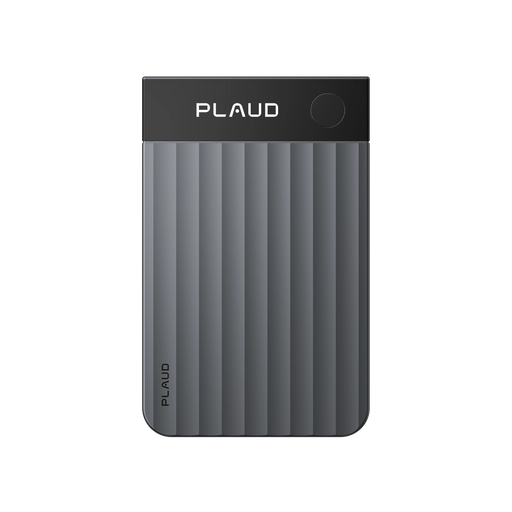
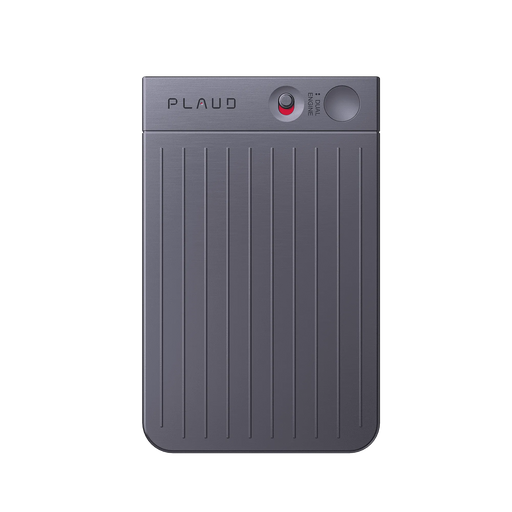
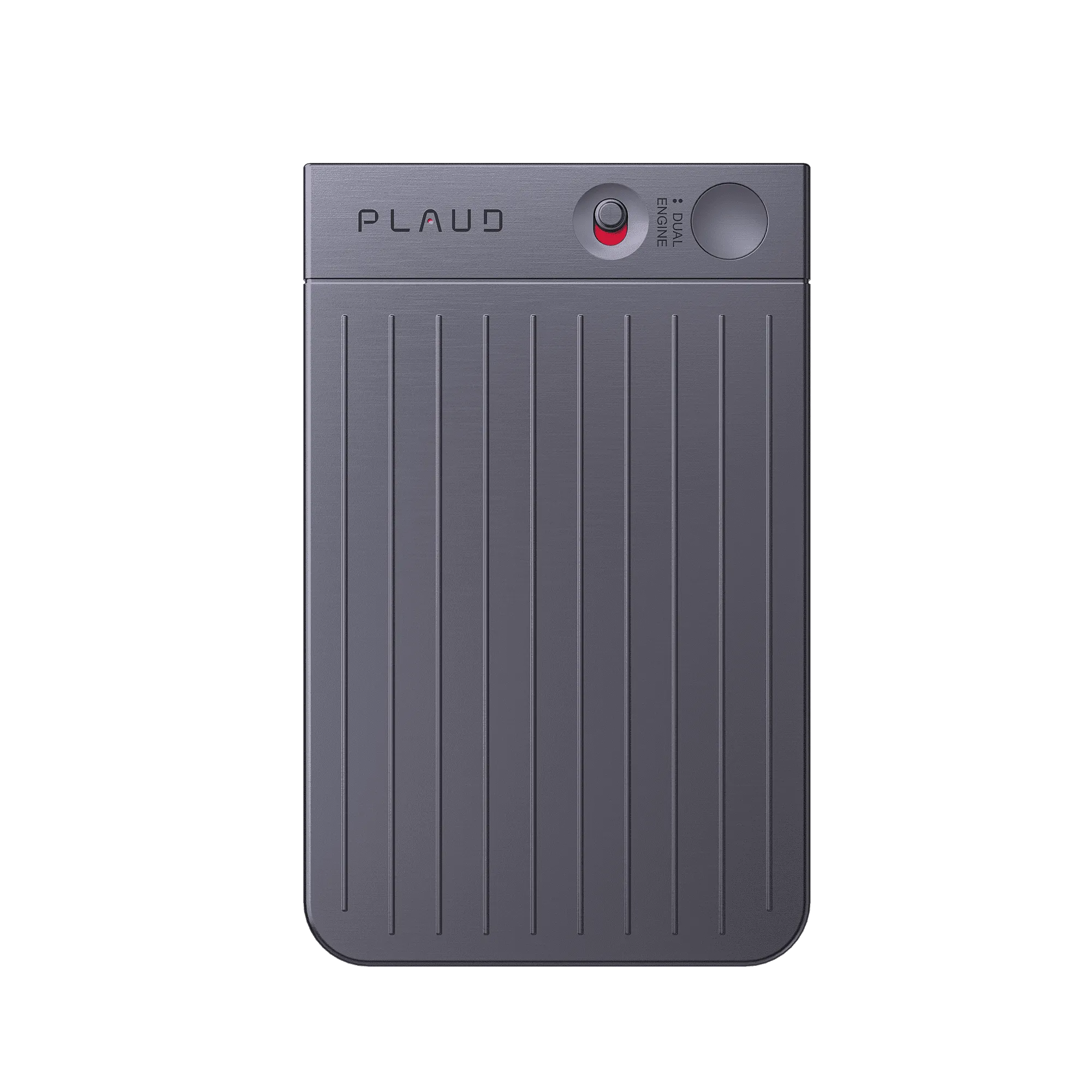
Plaud Note snaps magnetically to your iPhone and stays there through your day. On a commute, between meetings, or mid-errand — one tap starts recording before the thought is gone. No unlocking, no app to open, no losing the exact wording you had in your head.
After a long conversation, Plaud Intelligence turns everything that was said into clean text and a clear summary. You are not replaying audio or filling in gaps from memory. The key points are already pulled out and readable before you have had time to forget them.
Once your recording is transcribed, you can take it further without touching the original audio. Generate a mind map to see how the ideas connect, adjust playback speed to review what matters, or use Ask Plaud to turn a rough thought into a to-do list. Export in your preferred format or let AutoFlow send it where it needs to go.
Creator review
Nutsaisher, a good finds creator, unboxes Plaud Note, snaps it to a red iPhone case, and walks through one-tap recording, transcription, AI summaries, and mind maps.
Creator's vertical video review (Instagram)
Nutsaisher
Good finds creator
Platform
Audience
iPhone users who want meetings, ideas, and thoughts saved as real notes before they fade
Scenario tested
Everyday iPhone use: Plaud Note already on the phone, one tap to capture a meeting, idea, or thought, then transcript and AI summary ready in the app.
"More than a recorder, it's your AI note taker."
— Nutsaisher, video at 00:19
The problem & the fix
A meeting can cover decisions, numbers, and follow-ups. If you only take partial notes, you risk a missed detail — and the conversation has already moved on.
The best ideas often arrive while you are walking, carrying things, or in the middle of something else. Stopping to unlock and type breaks the moment.
Raw audio is slow to replay. Without clear transcription and a summary, your thoughts stay stuck as an audio file instead of becoming something you can edit, share, or act on.
Plaud Note captures everything said in a meeting. Plaud Intelligence turns the conversation into clean transcription and a clear summary, so you can follow up on details you missed live without asking anyone to repeat themselves.
Plaud Note snaps to your iPhone and stays there. When a thought lands mid-commute or mid-errand, one tap starts recording without unlocking your screen or hunting for a notes app. The moment is captured before it slips.
A finished recording does not have to stay as audio. Generate a mind map to structure the idea, export in your preferred format, or use Ask Plaud to turn the transcript into a follow-up list — ready to share or act on straight away.
Choose your AI voice recorder
Pick the device that stays on your iPhone for meetings, ideas, and thoughts — then turns voice into text, summaries, and mind maps in the Plaud App.
Nutsaisher's pick
Best for snapping to your iPhone and capturing meetings, ideas, and thoughts in one tap
£149
Shop now Long-range capture
Best for larger rooms and longer sessions with extended range and an on-device screen
£169
Shop now Hands-free option
Best for hands-free capture when you cannot reach for your phone
£159
Shop nowCreator story
Nutsaisher x Plaud Note
Before Plaud Note, a good finds creator's day left a trail of half-finished notes. Brand calls went under-documented. Ideas that landed mid-shoot stayed as voice memos that never became anything usable. The thought was there — the organised output never was.
Nutsaisher snaps Plaud Note to her iPhone and shows how one tap is all it takes to start recording — no unlocking, no app to find first. She walks through the Plaud App: speech becomes text, AI builds a clear summary, and from there a mind map or a shareable file is one step away. The whole flow takes less time to watch than it does to open a notes app manually.
For a good finds creator, that flow covers the moments that matter most — a brand sync, a thought that arrives mid-errand, a line of copy that comes together on a walk. Plaud Intelligence handles the transcription and summary so the recording becomes something you can edit, share, or act on straight away, without replaying audio or rewriting from memory.
"With just one tap, it records your meetings, ideas, and thoughts."
Nutsaisher
Good finds creator · video at 00:00
1.5 M+
Users globally
10,000+
Creator advocates
260 hrs
Saved per year on average
Expert playbook
Follow this step-by-step guide to capture and organize your ideas effortlessly.
Set up Plaud Note on your iPhone so one-tap capture is ready whenever a meeting, idea, or thought needs saving.
Tap once on Plaud Note, speak, and stay in flow without opening a notes app first.
Open the Plaud App and move from clear transcription to summary to mind map in one place.
Build a searchable library of meetings, ideas, and thoughts tied to projects and people.
Why Plaud
Snap it to your iPhone, tap once, and turn meetings, ideas, and thoughts into clear notes.
Plaud Note snaps to your iPhone and stays there. No unlocking and no app hunt when a meeting line, a sudden idea, or a half-formed thought needs to land in one motion.
Plaud Intelligence transcribes in 112 languages with speaker labels and generates clear summaries from 10,000+ professional templates. From there, mind maps and file management turn the same recording into structured output, not a dead-end voice memo.
Plaud adheres to the highest compliance standards including AES-256 encryption, TLS 1.3, SOC 2, GDPR, HIPAA, and EN 18031 compliant, so meetings and ideas you capture stay secure and accessible only through your account.
Real reviews
Discover what verified buyers are saying about Plaud Note.
Absolutely love this. Works like an amazing little assistant right in my pocket.
The size is perfect, I can take it anywhere. And it's really easy to use.
It works very well and very lightweight. The transcript is highly accurate.
This is life changing! I can't believe I survived for so long without this product!
FAQ
Questions below focus on using Plaud Note to capture meetings, ideas, and thoughts on iPhone — including how one-tap recording works, what the app does with your audio, and whether a subscription is needed.
Once Plaud Note is snapped to your iPhone and paired via Bluetooth, a single press starts recording without unlocking the screen or opening any app. The file syncs to the Plaud App automatically for transcription and summaries.
Plaud Note records the full conversation so Plaud Intelligence can produce clear transcription and a summary you can search later, instead of trusting partial notes or memory alone.
After you record, Plaud Intelligence transcribes the audio and generates a clear summary. Use Ask Plaud to expand lines, create tasks, or generate a mind map without replaying the whole file. Export options let you move the note into email, docs, or other tools.
Yes. Plaud adheres to the highest compliance standards including SOC 2, GDPR, HIPAA, and EN 18031 compliant. Recordings are encrypted and accessible only through your account.
No. Every Plaud Note includes the free Plaud Starter Plan with 300 transcription minutes per month. The optional Plaud Pro Plan and Plaud Unlimited Plan add more minutes or advanced AI features for heavier daily use.
Keep exploring
Discover more ways to capture and organize your ideas with Plaud.
How to offload meeting load and mental clutter so you can focus on what matters, with AI-ready capture instead of raw memory alone.
Explore →Spotlights long battery life and Plaud’s mind-map creation tool so you can turn voice into structured, visual plans.
Explore →Compares form factors and use cases so you can pick the AI device that fits how you record and take notes every day.
Explore →
Fast Shipping
Ship out within 1-2 business days

Free 30-Day Return
No reason needed. Free return shipping & full refund.

One-Year Warranty
Warranty period subject to local laws

Lifetime Customer Support
Quick support within 24 hours on working days
Before you record, take a moment to let others know and get their okay. Thanks for being mindful of privacy and local laws.
Trending Search

Trending Search
Suggested Searches
Popular Products