

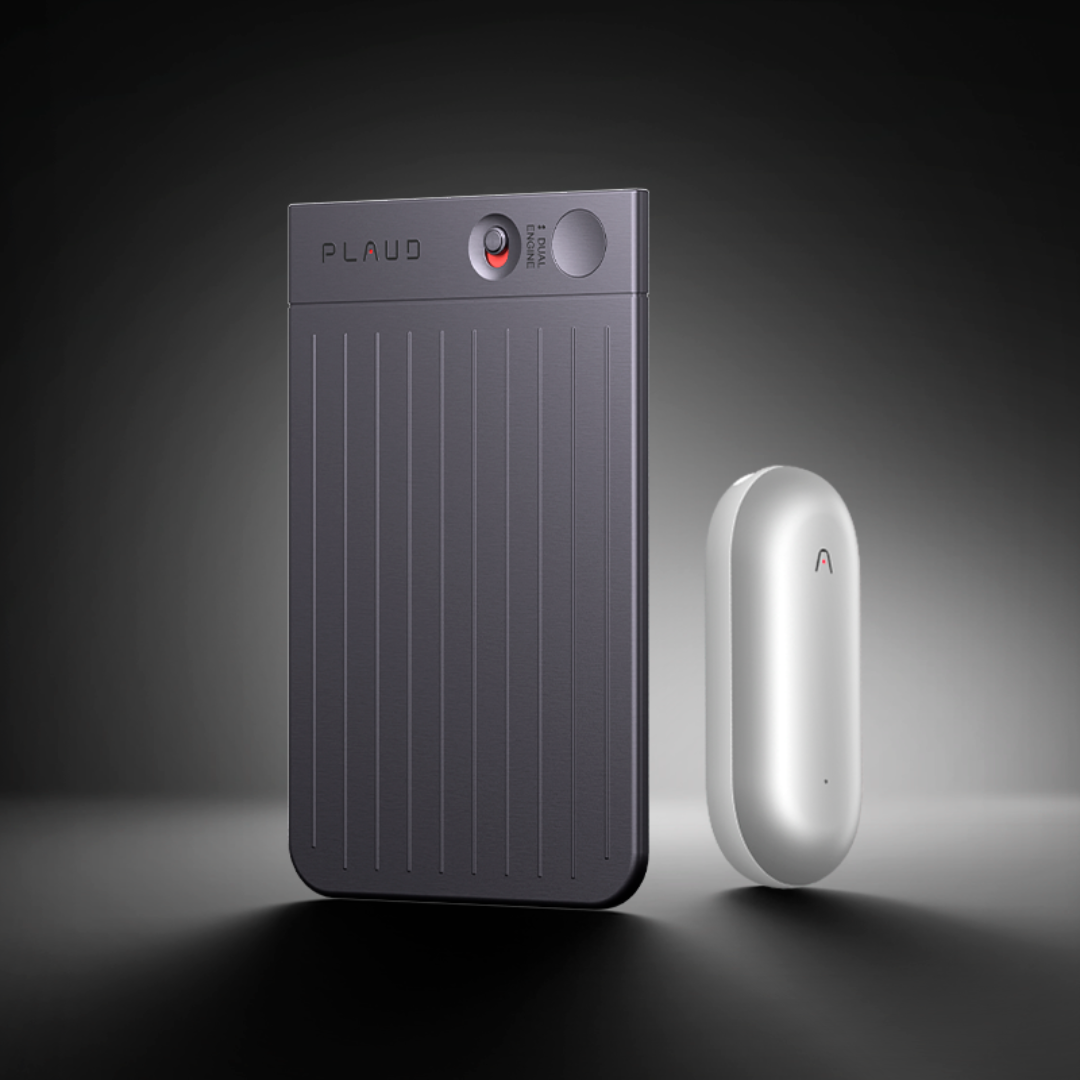

In the world of AI-powered devices, Plaud.ai stands at the forefront, developing cutting-edge tools designed to enhance your productivity. With two distinctive products, Plaud Note and NotePin, Plaud.ai caters to varied requirements. This blog will guide you through understanding Plaud AI Service, the key differences between these two devices, and how they seamlessly integrate for a unified user experience.
Plaud AI service
At the heart of every Plaud device lies the powerful Plaud AI service. Plaud AI designed to develop cutting-edge features to make your work more efficient. Regardless of whether you choose Plaud Note or NotePin, you’ll have access to the full range of advanced AI services provided by Plaud.ai. Plaud AI is not limited by the device you choose; instead, it offers a consistent, high-quality experience across all Plaud devices.
The differences between Plaud Note and NotePin
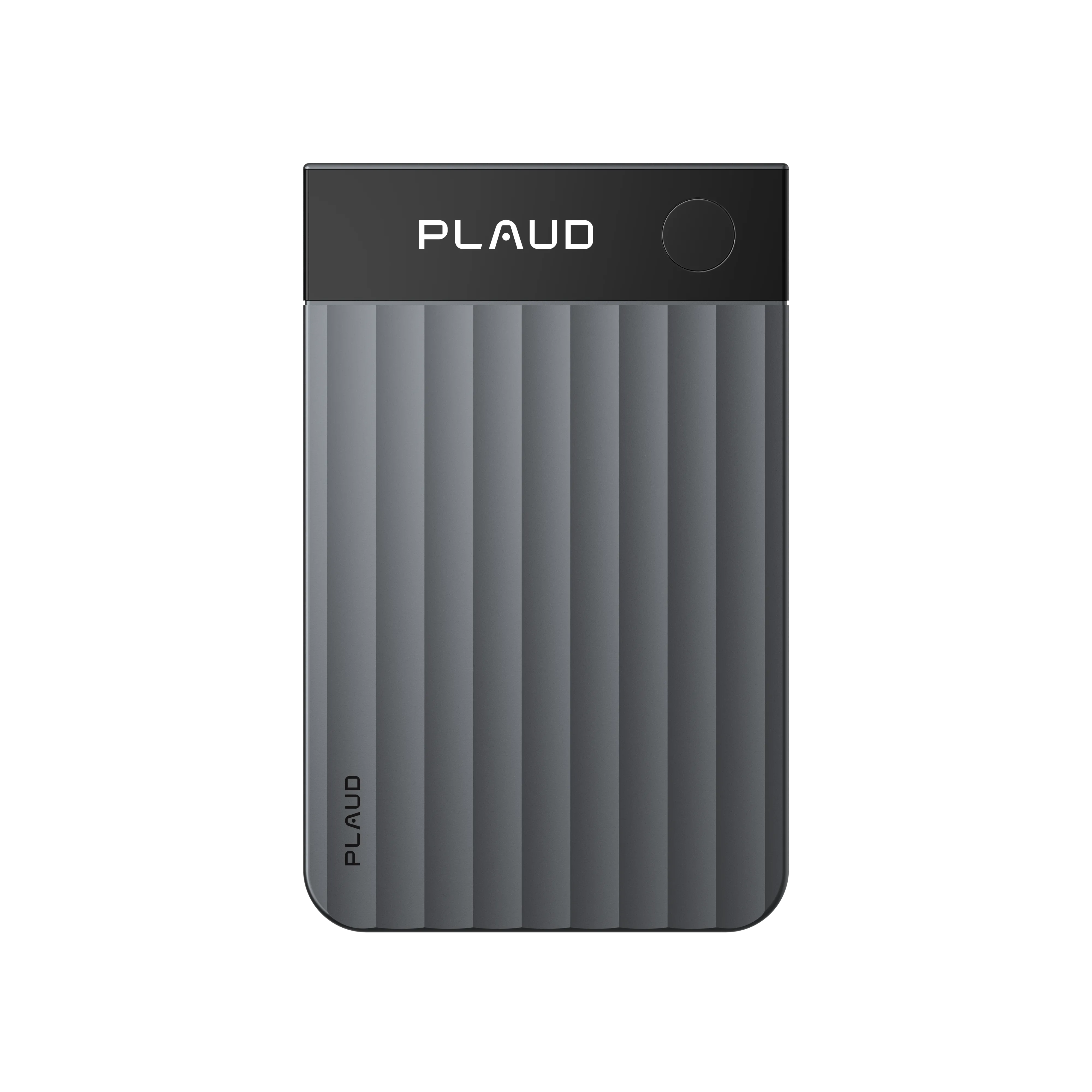
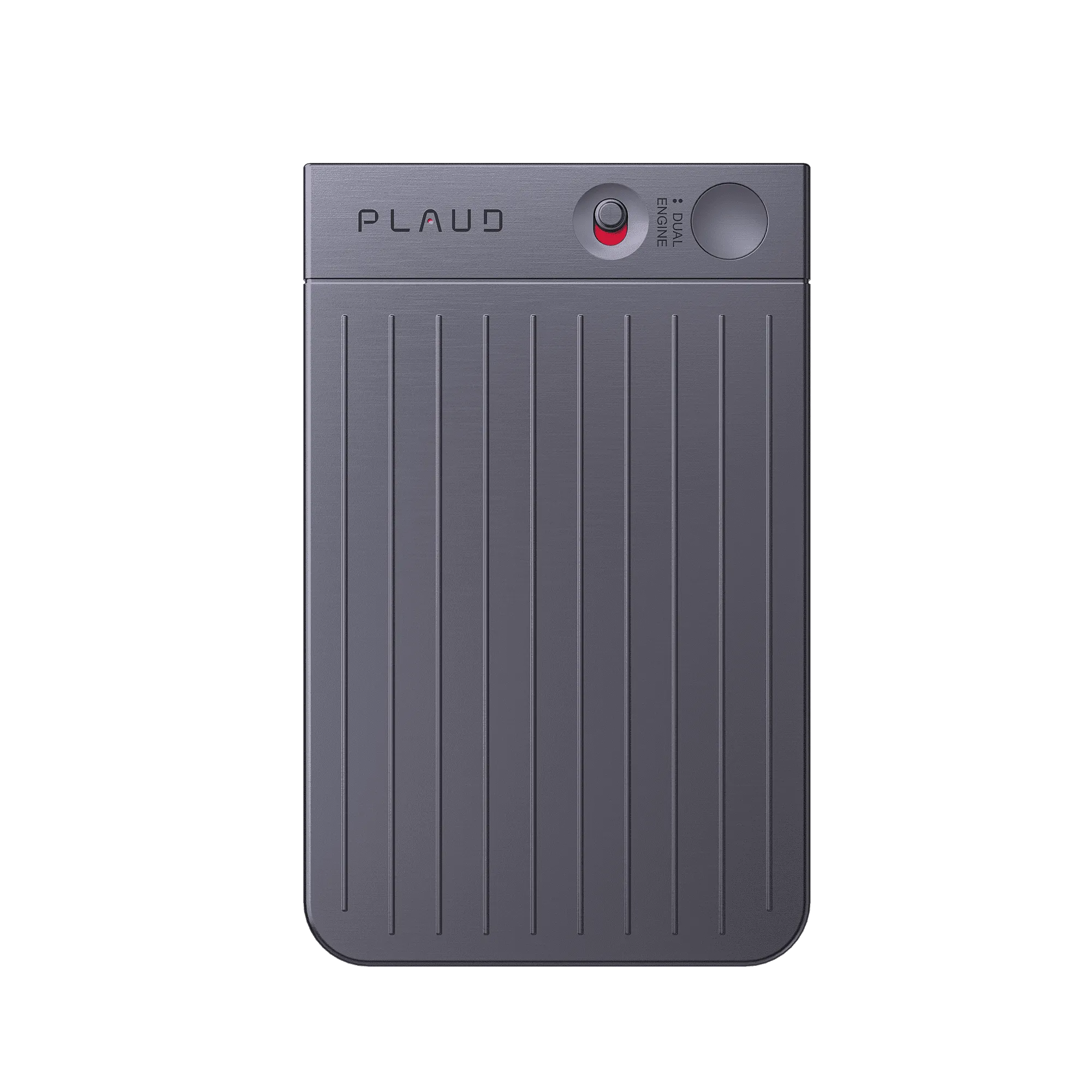
Plaud Note: Precision in business meetings/calls Plaud Note is designed for seamless documentation during meetings and calls, featuring CALL and NOTE recording modes powered by the world's first dual-pickup engine. With a MagSafe-compatible cardholder, it’s perfect for professionals who need to document discussions without disruption, especially in office settings. This makes it an excellent choice for professionals like project managers, consultants, product managers, senior executives, lawyers, and small business owners who require accurate documentation in office-based settings.

Plaud NotePin: Versatility for dynamic professionals
On the other hand, NotePin is crafted for the dynamic professional on the move. Its lightweight, wearable design ensures that it stays with you, ready to capture every moment. NotePin is designed so you don't miss anything—important insights, client feedback, or your next great idea. This wearable AI memory capsule stands out for its versatility, offering up to four wearing styles (Pin, Clip, Wristband, Necklace) , making it perfect for sales professionals, educators, engineers, technicians, healthcare workers, creative workers, and digital nomads who need a flexible, portable solution in on-the-go or in-field situations.

Seamless integration across devices: one account for all your Plaud devices
Both Plaud Note and NotePin integrate flawlessly with Plaud AI services, allowing you to manage and sync recordings via a single account on the Plaud APP and WEB (if cloud service is enabled). This means that no matter which device you use, your work will be effortlessly synced and accessible, allowing you to focus on what truly matters. With just one Plaud account , you can seamlessly switch between devices, ensuring a smooth and efficient workflow.

The right choice for your workflow
The choice between Plaud Note and NotePin depends on your specific professional needs. Whether you need precision in static & business settings or versatility in dynamic environments, Plaud.ai provides powerful AI tools to elevate your productivity. Select the device that aligns with your workflow and experience seamless technological integration.