Verified
★★★★★
Quality product with plenty of options to make that meeting and call so much better!
 ×Beka.shvangiradze
For professionals who record on the go and do follow-ups at a desk — so every client conversation is ready on web without transferring files or typing off a phone screen.

Based on real creator reviews · Trusted by 2M+ users globally
With just one tap, Plaud NotePin starts recording while you stay present in the room. Long-press to record, short-press to highlight the moments that matter. It is lightweight and easy to carry anywhere, so you do not miss details just because you left your notebook behind.
Plaud Intelligence transcribes with industry-leading accuracy and generates multidimensional summaries automatically. By the time you open your computer, the client conversation is structured and ready — not sitting as raw audio waiting to be processed.
Use Ask Plaud to generate the follow-up you need, then copy, share, or export into your workflow. Everything syncs to Plaud Web automatically, so your notes are searchable and ready on your computer before you start typing.
Creator review
Beka.shvangiradze, a men's lifestyle & grooming creator, shares how one tap on Plaud NotePin turns ideas and meetings into structured notes and mind maps.
Creator's vertical video review (Instagram)
Beka.shvangiradze
Men's lifestyle & grooming creator
Platform
Audience
Professionals who record on the go and finish the work at a desk
Scenario tested
Record outside, then review, quote, and act on Plaud Web at the desk
"Plus, there's now a web version, so I can use Plaud on both the app and online for even more flexibility."
— Beka.shvangiradze, video at 00:45
The problem & the fix
You need a follow-up email fast, but the recording is stuck on your phone and the details are buried.
You juggle a small transcript view and your laptop, retyping numbers and dates and still worrying you missed the exact wording.
Moving audio to your computer adds friction and you still have to find a separate transcription workflow before you can start writing.
Start recording instantly and focus on the conversation, not the note-taking. You stay present with the client — not managing a device.
Open Plaud Web to revisit every word, use the summary for highlights, and pull key details without typing from a phone screen.
Use Ask Plaud to draft a follow-up email or brief from the transcript, then copy or export the output into your tools.
Choose your wearable AI note taker
For seamless phone and computer sync, pick the device that matches how you capture on the go and how you want to review, quote, and act on your notes at your desk.
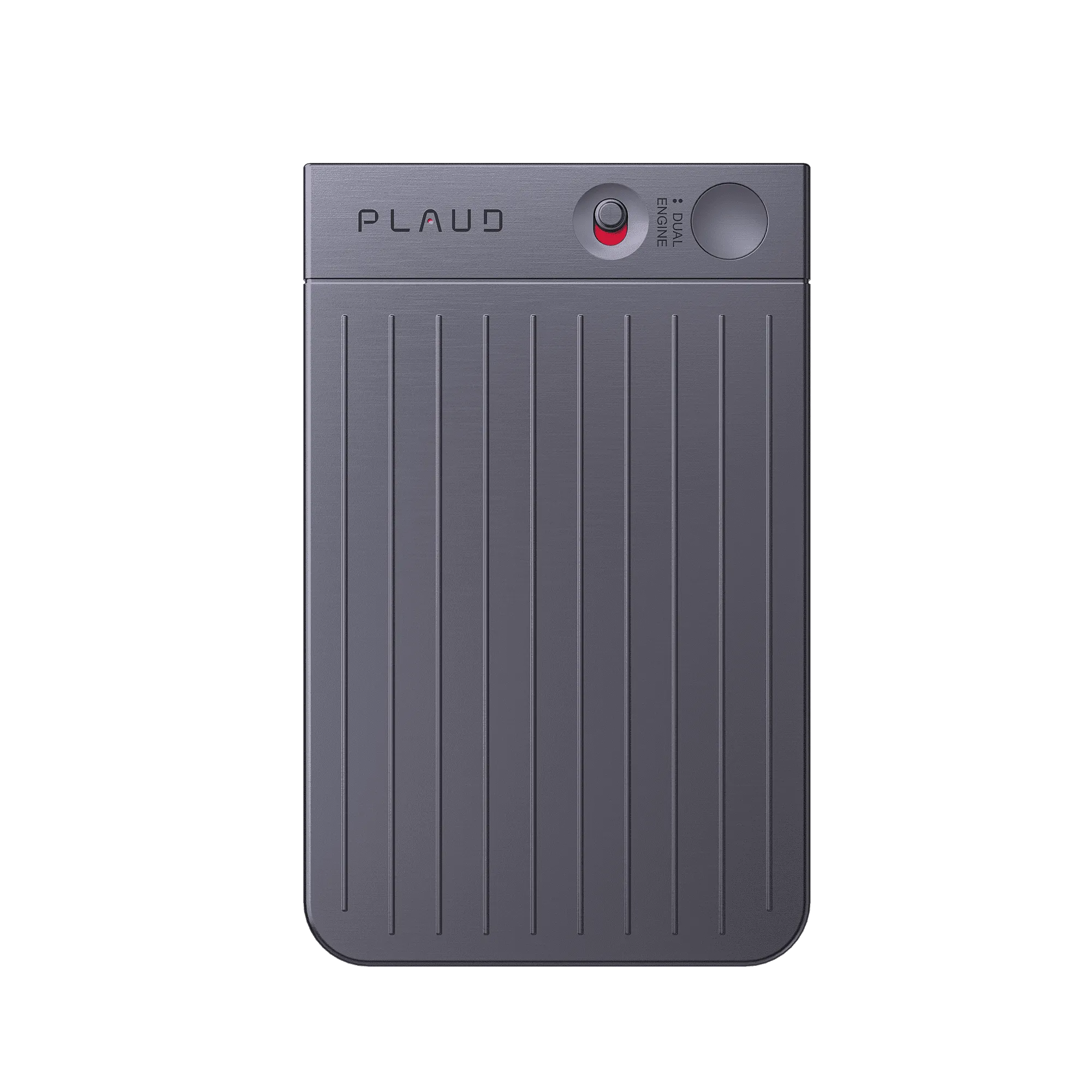
 Hybrid capture
Best for desk-first review with stronger room pickup
£169.00
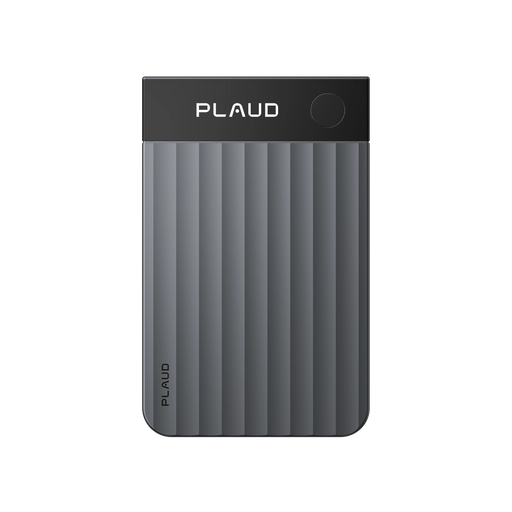
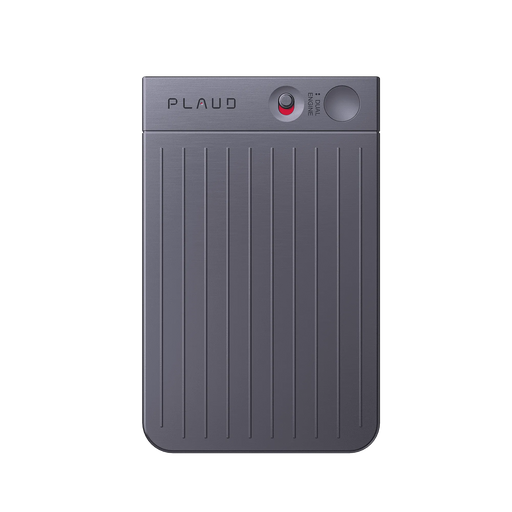
Shop nowBeka.shvangiradze's pick
Best for hands-free client visit capture and follow-ups
£149.00
Shop now Wear-and-go
Best for wearable all-day capture with tactile highlights
£159.00
Shop nowCreator story
Beka.shvangiradze x Plaud NotePin
Beka captures ideas, meetings, and daily thoughts throughout the day. When everything stays on his phone, getting back to any of it at his desk means squinting at a small screen or transferring files before he can start working with the content.
Now he clips Plaud NotePin on and starts with just one tap, whether he is at work, travelling, or out for the day. When he gets back to his computer, he opens Plaud Web and picks up where he left off — transcript, summary, and Ask Plaud all there without rebuilding anything.
The flexibility of using Plaud on both the app and online means nothing gets stuck on one device. What he captured on the go is ready to act on at his desk, without the friction of moving files or switching tools.
"With just one tap, I can capture every important moment—quick ideas, meetings, or daily thoughts."
Beka.shvangiradze
Men's lifestyle & grooming creator · video at 00:00
2M+
Users globally
10,000+
Creator advocates
260 hours
Saved per year on average
Expert playbook
Follow this playbook to capture client conversations on the go and act on them seamlessly at your desk.
Set up once so you can capture instantly in front of clients.
Stay present and let the device handle the capture.
Turn the meeting into follow-ups in minutes, not hours.
Build a searchable client memory across visits and meetings.
Why Plaud
Plaud NotePin helps you capture client conversations in the moment and then do the real work at your desk, with transcripts, summaries, and Ask Plaud ready when you open Plaud Web.
Start recording without pulling out your phone, so you stay engaged with the client and still leave with a complete record.
Use transcript and summary to pull the details that matter, then ask Plaud to draft emails and action items from the same source.
Your conversations are protected with SOC 2, HIPAA, GDPR, and EN 18031 compliant safeguards for peace of mind.
Real reviews
Hear from professionals who use Plaud NotePin to capture client meetings on the go and act on them back at the desk.
Quality product with plenty of options to make that meeting and call so much better!
The pin works great. It is easy to use and the pin is made of great quality.
Excellent product that increases productivity and reliability! Highly recommend.
Works very well and is almost as useful as a smartphone for my business
FAQ
These are the questions professionals ask when they want to capture client conversations on the go and act on them at their desk without the friction of file transfers or switching tools.
No. Plaud comes with a free Starter Plan including 300 transcription minutes per month. If you use it daily, you can upgrade to a membership plan for more transcription minutes and advanced features.
Plaud supports SOC 2, HIPAA, GDPR, and EN 18031 compliance. Your recordings and transcripts are protected, so sensitive client details stay secure whether you are reviewing them on your phone or your computer.
Yes. You can use Plaud on both the Plaud App and online with Plaud Web, so you can review transcripts, summaries, and outputs on your computer without relying solely on your phone.
No. Plaud NotePin does not support phone call recording. It is designed for in-person conversations. If you need to record phone calls, Plaud Note is the right device for that use case.
Recording requirements vary by location and use case. Check local laws and your company policy before recording a meeting, and let the other person know when notice or consent is required. It is good practice to give others a quick heads-up. A simple line works: "Mind if I use my AI note taker so I don't miss any details from our chat? I can share the notes with you afterwards as well."
Keep exploring
Discover more ways to enhance your workflow with Plaud.
Learn how Plaud Web helps you manage transcripts and summaries on your computer and keep everything in sync across platforms.
Explore →See how Ask Plaud can draft reports and emails from your notes, which fits perfectly with fast client follow-ups.
Explore →Explore practical features like mind maps and battery that help you turn meetings into structured outputs and stay ready for the next visit.
Explore →
Fast Shipping
Ship out within 1-2 business days

Free 30-Day Return
No reason needed. Free return shipping & full refund.

One-Year Warranty
Warranty period subject to local laws

Lifetime Customer Support
Quick support within 24 hours on working days
Before you record, take a moment to let others know and get their okay. Thanks for being mindful of privacy and local laws.
Trending Search

Trending Search
Suggested Searches
Popular Products