

Verified
★★★★★
Excellent for our business meetings, etc. helps us for continuing growth.
 ×Melissairmak
For meeting-heavy professionals who do not want to lose key details after back-to-back calls—so they can get structured summaries and find answers across past meetings in seconds.

Based on real creator reviews · Trusted by 1.5M+ users globally
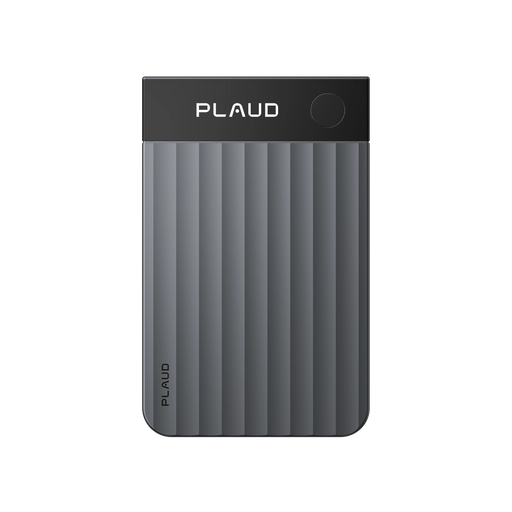
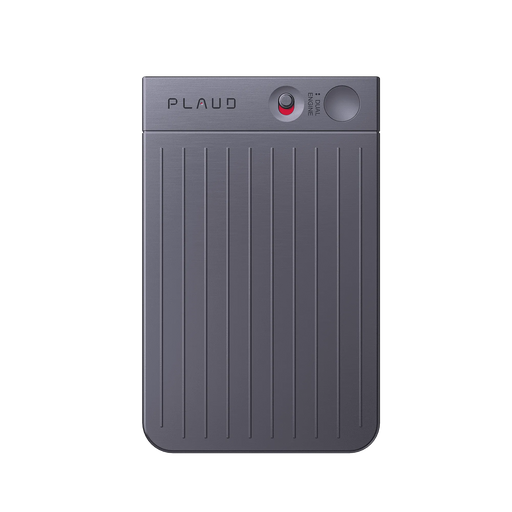
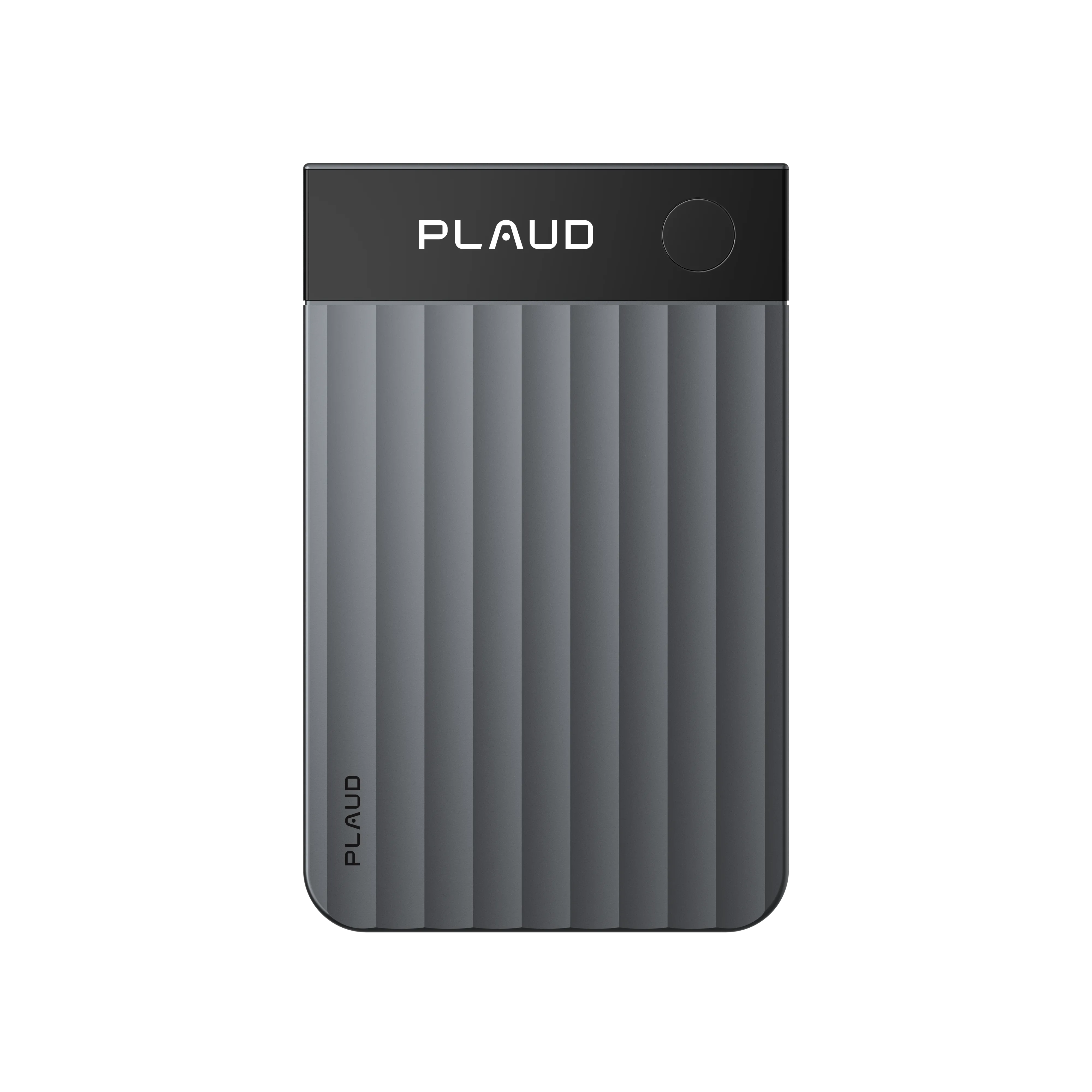
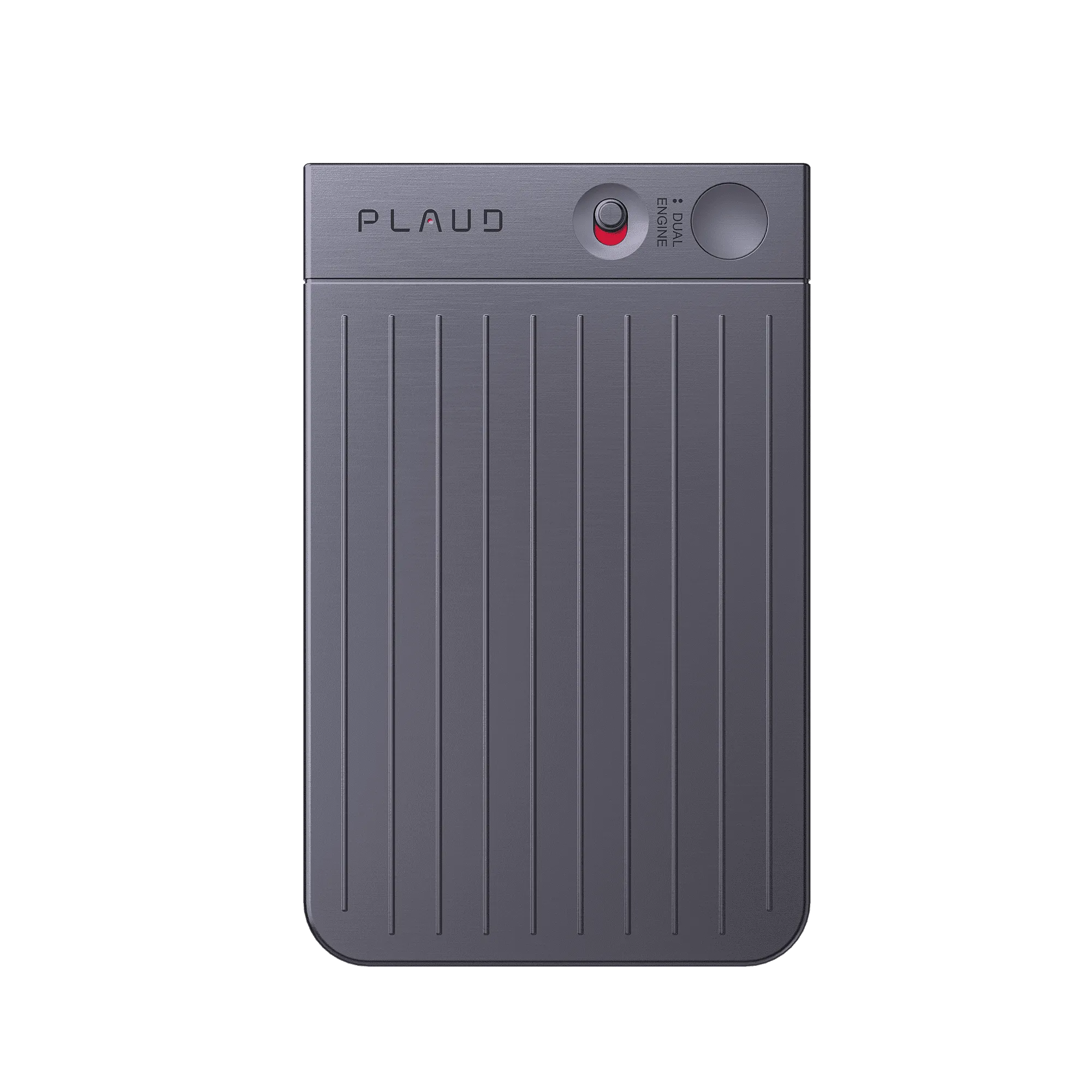
Plaud NotePin clips on for in-person meetings and works alongside remote calls, so you can long-press to record every session in one place without switching tools or scrambling for a notes doc mid-conversation.
After you record, Plaud summarizes meetings into structured notes and key takeaways. Choose a summary template that fits the scenario, so each recap is organized the way you need, not in one generic format.
When you need one number or decision from weeks of calls, search across all your recordings by topic or keyword instantly, so you extract conclusions without replaying anything.
Creator review
Melissairmak, a good finds creator, shared how she uses Plaud NotePin after remote meetings to get structured summaries fast, then search across past recordings when she needs one number or decision.
Creator's vertical video review (Instagram)
Melissairmak
Good finds creator
Platform
Audience
Meeting-heavy professionals who need fast summaries and searchable records
Scenario tested
Remote meeting summaries and cross-recording search for decisions and numbers
"Plaud's 'Ask Plaud' can search information not just on one file, but across all your files instantly."
— Melissairmak, video at 00:56
The problem & the fix
The call ends and you are already late to the next one. If you do not capture and summarize immediately, key takeaways and decisions get scattered and harder to trust later.
You need an internal recap and a client-ready version, but rewriting the same meeting twice turns into extra work and details start to drift between versions.
Weeks later, you only need one figure or decision. Without search, you dig through long recordings or multiple notes and still risk missing the exact line.
Long-press to record, then let Plaud turn the session into structured notes with key takeaways, so you leave the meeting with clarity instead of raw audio.
Choose a summary template that fits the scenario, so the same meeting can become an internal recap or a client-ready version without rewriting everything by hand.
When someone asks what was decided, search across all your recordings by topic or keyword to extract the exact conclusion. You can skip the replay and go straight to the answer.
Choose your wearable AI note taker
Choose the right device to summarize meetings fast and keep every decision searchable.
 Long-range
Best for searching and organizing all your meetings with longer-range pickup
£169
Shop nowMelissairmak’s pick
Best for searching and organizing all your meetings with clip-on capture you can start instantly
£149
Shop now Wearable
Best for searching and organizing all your meetings with quick highlight moments on the move
£159
Shop nowCreator story
Melissairmak x Plaud NotePin
After a remote meeting, the work is not really over. The recap still needs to happen, and key takeaways can end up scattered across documents and chats, making follow-ups slower and less confident.
Melissairmak records the session with Plaud NotePin, then relies on structured summaries and templates to shape the recap for the moment. When she needs to check something later, she uses search across files instead of digging through a single note.
Instead of replaying long recordings, she gets structured notes with key takeaways, and can pull the exact conclusion when a question comes up. That turns meeting history into something searchable and usable, not a backlog.
"It works like a business associate that can answer any questions and extract conclusions from your meeting notes."
Melissairmak
Good finds creator · video at 01:11
1.5 M+
Users globally
10,000+
Creator advocates
260 hrs
Saved per year on average
Expert playbook
Follow this step-by-step playbook to master meeting capture, summarization, and retrieval.
Set up your capture so you can start recording without disrupting the meeting.
Stay present while NotePin captures what you will summarize later.
Turn the meeting into structure you can share and reuse.
Build a searchable meeting library for faster answers and better follow-ups.
Why Plaud
Plaud NotePin turns meetings into structured recaps, then lets you search across past sessions for the exact decision, without replaying audio.
Clip on once and capture every session hands-free, whether it's a quick standup or a two-hour strategy call, so nothing falls through between meetings.
Instead of rewriting notes or scrubbing recordings, Plaud turns each session into structured summaries and searchable transcripts you can act on the same day.
Built with AES-256 encryption, TLS 1.3, SOC 2, HIPAA, GDPR, and EN 18031 compliant practices to protect recordings and summaries.
Real reviews
Hear from real users who transformed their meeting productivity with Plaud NotePin.
Excellent for our business meetings, etc. helps us for continuing growth.
Easy to use writes better then I could ever write. Multiple templates to use.
Works very well and is almost as useful as a smartphone for my business.
This has made me more productive. Time save for a small business owner.
FAQ
Common questions about using Plaud NotePin as a wearable AI note taker for searching and organizing all your meetings.
Yes. Ask Plaud lets you search across your recordings by topic and keyword, so you can surface a specific decision or action item in seconds without scrubbing audio. Speaker labels in your transcripts also make it easier to see who said what when you review.
As a wearable AI note taker for meetings, Plaud NotePin transcribes in 112 languages with speaker labels, so each person's contributions are clearly separated. You can use the transcript directly for client-facing follow-ups without manually cleaning it up first.
Choose from 10,000+ professional summary templates or build a custom one. Switch templates between sessions so internal action items and client recaps are each structured the way your workflow needs, not forced into one generic format.
Yes. Plaud NotePin supports up to 20 hours of continuous recording on a single charge, which covers a full day of meetings without needing to recharge between sessions. Clip it on in the morning and it stays ready through every conversation — so you never have to cut a recording short or scramble for a cable between meetings.
All recordings are protected with AES-256 encryption and TLS 1.3, and Plaud adheres to SOC 2, HIPAA, GDPR, and EN 18031 compliant practices. Before recording, it is good practice to let others know — a simple line like "Mind if I use my AI note taker so I don't miss any follow-ups?" covers most situations, and local regulations may require explicit consent.
Keep exploring
Discover more features and stories to enhance your meeting workflow.
Learn how Ask Plaud extracts data, conclusions, and action items, so you can get answers from long meeting notes without replaying.
Explore →A feature update on speaker labels and creating your own templates, so your meeting summaries match the scenario instead of a generic format.
Explore →A real user story about recording meetings and client discussions, then using automatic transcription and meeting summaries for follow-ups.
Explore →
Fast Shipping
Ship out within 1-2 business days

Free 30-Day Return
No reason needed. Free return shipping & full refund.

One-Year Warranty
Warranty period subject to local laws

Lifetime Customer Support
Quick support within 24 hours on working days
Before you record, take a moment to let others know and get their okay. Thanks for being mindful of privacy and local laws.
Trending Search
Trending Search
Suggested Searches
Popular Products