Verified
★★★★★
Excellent for meetings and conferences! I am able to create summary notes and key highlights with ease.
 ×Sarafernandeznyc
For office ladies who do not want to replay long meetings to find one quote — so they can stay present in conversations and pull speaker-attributed notes the moment they need them.

Based on real creator reviews · Trusted by 1.5M+ professionals globally
Clip Plaud NotePin to your outfit and stay present in the conversation. While you listen and respond, it captures who says what, so you leave with full audio and each speaker’s key contributions.
Afterwards, the app’s AI cleans up background noise, sharpens each voice, and labels who is speaking. You get a transcript and summary you can trust when you need an exact line.
Search by topic or speaker name to pull up the exact moment you need. Follow-ups go to the right person because the record shows who said what—without replaying long audio.
Creator review
Sarafernandeznyc, an office lady sharing her on-the-go work style, showed how Plaud NotePin fits days filled with back-to-back conversations and meetings.
Creator's vertical video review (Instagram)
Sarafernandeznyc
Office lady
Platform
Audience
Office ladies balancing meetings, conversations, and fast follow-ups
Scenario tested
Work conversations and meetings where structured recall matters more than raw audio
"When you need something, it finds it instantly."
— Sarafernandeznyc, video at 00:28
The problem & the fix
When a decision point hits, you need the exact line and who said it. Without that, your follow-up can misquote, stall, or send the wrong owner back to the thread.
Live note-taking pulls your eyes to a doc, and reaching for a phone to record invites pings that break focus right when the room is moving fast.
Even when something is saved, scrubbing for one quote burns time. You still risk missing who spoke first, so review feels like busywork, not closure.
Sarafernandeznyc frames it around thinking better and working more focused. Wear Plaud NotePin so capture can keep running while you stay present with people, not with a blank page.
It records and transcribes your conversations and meetings in detail, helps eliminate background noise, improves each voice, and recognizes who is speaking, so lines stay usable when you quote them.
It summarizes everything in clear, well-structured notes. When you need something, it finds it instantly, so your recap is searchable instead of another replay session.
Choose your wearable AI note taker
Compare Plaud's AI note takers for seamless meeting recall.
 Desk-grade capture
Best for instant speaker-attributed recall from meetings with long-run capture for packed calendar days
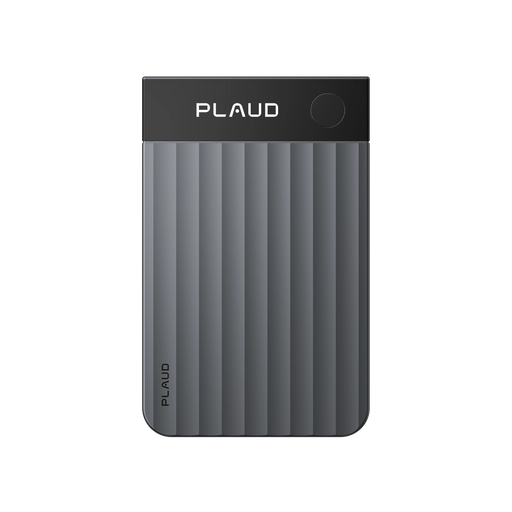
£169
Shop now Slim capture
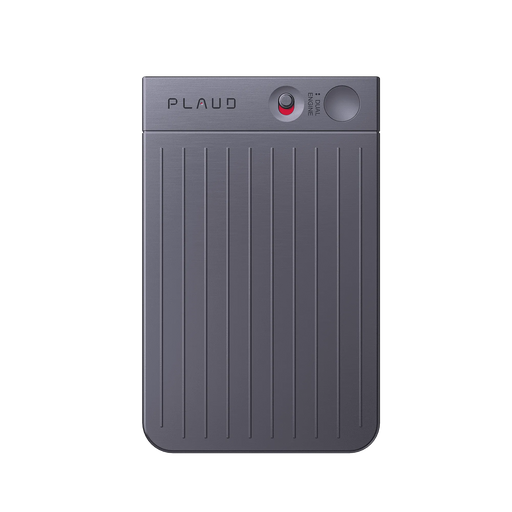
Best for instant speaker-attributed recall from meetings with phone-first clip-on capture you can start fast
£149
Shop nowSarafernandeznyc's pick
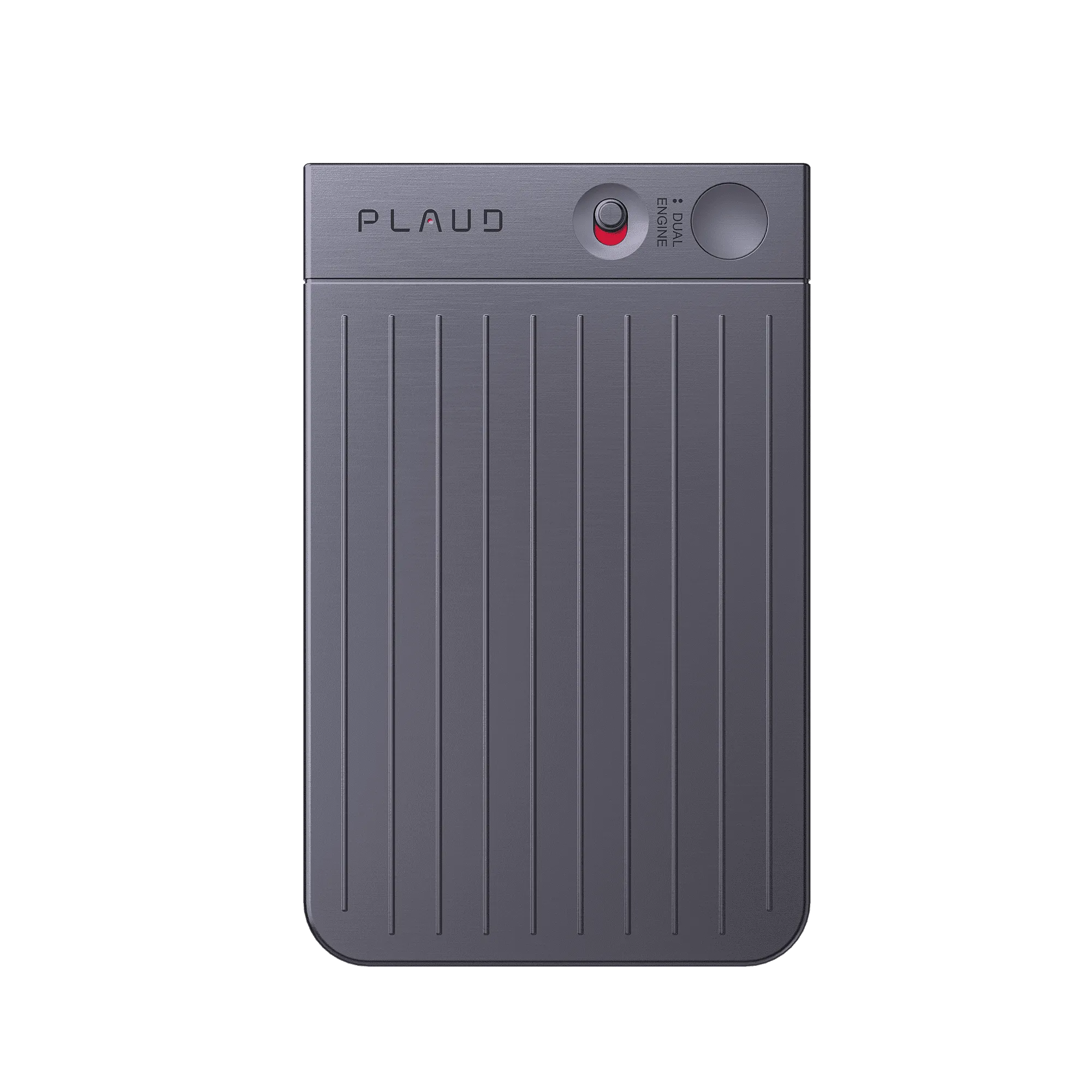
Best for instant speaker-attributed recall from meetings with wearable capture that stays with your outfit
£149
Shop nowCreator story
Sarafernandeznyc x Plaud NotePin
Before, the trade-off was constant: stay engaged in conversations and meetings, or slow down to capture every detail. When a key line slipped, the fix was replaying long audio and still guessing who owned the quote, which made fast follow-ups feel risky.
She treats Plaud NotePin as more than hardware, calling it access to a complete Artificial Intelligence service. She wears it through work conversations so the device can record and transcribe meetings in detail while she aims to think better and work more focused. Noise reduction, clearer voices, and speaker recognition keep the transcript grounded in what actually happened in the room.
Afterward, she moves from raw sound to outcomes: clear, well-structured notes in the Plaud App, including the transcription view she shows on screen. When she needs something, it finds it instantly, which is the difference between a confident recap and another late-night replay.
"Remember: Smarter notes, Smarter you."
Sarafernandeznyc
Office lady · video at 00:41
1.5 Million
Users globally
10,000+
Influencers advocacy
260 hrs
Saved per year on average
Expert playbook
Follow this step-by-step playbook to master hands-free capture and instant recall.
Prepare the pin, app, and consent so the first minute of a meeting is not spent fiddling with tools.
Keep your attention on people and decisions while the device carries the raw signal.
Turn audio into structured notes you can quote, search, and send without replay marathons.
Build a repeatable system so every week’s meetings stay searchable, not stacked.
Why Plaud
Plaud NotePin helps you stay present while it captures detail, then turns sessions into structured notes you can search when a quote, number, or owner matters.
Wearable capture keeps your hands and attention on people, not on a doc, which is when nuance and ownership actually show up.
With clearer voices, speaker recognition, and structured notes from Plaud Intelligence, your recap is built for retrieval, not replay.
For confidential meetings, AES-256 encryption, TLS 1.3, SOC 2, HIPAA, GDPR, and EN18031 compliant practices help you store workplace conversations responsibly.
Real reviews
Hear from users who transformed their meeting note-taking with Plaud NotePin.
Excellent for meetings and conferences! I am able to create summary notes and key highlights with ease.
Awesome!! Best product for recording, transcribing and summarizing meeting notes. Excellent!!
I bought this to use for work as I am a horrible note taker. This has been an amazing tool
This has been the most convenient way of capturing meeting notes and creating summaries and to-dos.
FAQ
Questions below focus on wearable capture, speaker-attributed recall, and workplace recording practices for Plaud NotePin.
Yes. Plaud NotePin supports up to 20 hours of continuous recording on a single charge, so even a full day of sessions — including longer strategy meetings or all-hands calls — stays captured from start to finish without a mid-day charge break.
The device uses advanced AI to isolate different voices and recognize individual speakers — the basis for speaker-attributed notes when you need an exact quote or a clear action item from a long discussion with multiple people.
Yes. Plaud NotePin supports 112 languages and various accents. That helps when you work with international clients, vendors, or remote teams where language switching is common.
Plaud NotePin is built to filter out environmental noise. It focuses on the human voice so your transcripts stay accurate and readable, even if there is background chatter or office hum.
Rules for recording conversations vary by country, state, and employer. Before you record, follow applicable law and your company policy, and get consent or give notice where required. Many teams align on upfront transparency—tell participants you are capturing audio for meeting notes and clarify what will be shared—so documentation stays appropriate for the room.
Keep exploring
Discover more ways to enhance your meeting productivity.
Ground workplace recording in consent and device basics before you scale wearable capture across teams.
Explore →See how transcription fits your stack so speaker-attributed recall stays accurate after long meetings.
Explore →Compare approaches for in-room capture when your week is mostly face-to-face conversations, not solo desk work.
Explore →
Fast Shipping
Ship out within 1-2 business days

Free 30-Day Return
No reason needed. Free return shipping & full refund.

One-Year Warranty
Warranty period subject to local laws

Lifetime Customer Support
Quick support within 24 hours on working days
Before you record, take a moment to let others know and get their okay. Thanks for being mindful of privacy and local laws.
Trending Search

Trending Search
Suggested Searches
Popular Products