

Verified
★★★★★
If you’re in board meetings, or need to take notes, this tool works well.
 ×Ugcalexofficial
For professionals who need AI meeting transcription they can actually trust with sensitive conversations — so they can record, transcribe, and share confidently without a compliance second-guess.

Based on real creator reviews · Trusted by 2M+ users globally
Beyond recording what is said, Plaud Note lets you enrich your notes with images mid-session. Attach a document, a whiteboard photo, or a reference that gives the transcript the full context it needs.
Plaud Intelligence applies industry-specific terminology recognition so medical, legal, and financial terms come through accurately.
In Plaud App, export or share transcripts, summaries, and action items into the tools your team already uses.
Creator review
Ugcalexofficial, a tech good finds creator, shared how Plaud Note pairs secure, compliant transcription with speaker labels and custom vocabulary.
Creator's vertical video review (Instagram)
Ugcalexofficial
Tech good finds creator
Platform
Audience
Professionals who want AI meeting transcription without data security second-guessing
Scenario tested
Secure and compliant meeting transcription for sensitive client and internal discussions
"Stay secure with SOC 2, HIPAA, GDPR, and EN 18031 compliance."
— Ugcalexofficial, video at 00:10
The problem & the fix
The meeting is sensitive. You hesitate because you do not know where the audio will go, how it is protected, or who can access it.
Names, roles, and terminology matter. If speakers are mixed up or key terms are wrong, your summary turns into rework and risk.
When trust is missing, AI is not usable. You leave audio unprocessed and fall back to replaying and rewriting notes by hand.
Plaud supports SOC 2, HIPAA, GDPR, and EN 18031 compliance, so you can process sensitive meetings without starting from a policy deep dive.
Speaker labels keep attribution clear, and custom vocabulary helps sensitive terms stay consistent when your transcript becomes documentation.
Turn one conversation into speaker-labeled summaries, mind maps, and workflow-ready insights you can share and act on.
Choose your AI voice recorder
For secure and compliant meeting transcription, choose the Plaud device that matches how you capture sensitive conversations.
 Room-grade pickup
Best for larger rooms and longer sessions
£169
Shop nowUgcalexofficial's pick
Best for desk and meeting room use
£149
Shop now Highlight-ready
Best for wearable capture on the move
£149
Shop nowCreator story
Ugcalexofficial x Plaud Note
Ugcalexofficial introduces Plaud Intelligence as an AI transcription companion built to capture every word across 112 languages, with speaker labels and custom vocabulary so transcripts stay clear and consistent.
He uses it to turn conversations into speaker-labeled summaries, mind maps, and workflow-ready insights. For added context, he enriches notes with audio, images, and highlights while keeping the workflow secure with SOC 2, HIPAA, GDPR, and EN 18031 compliant safeguards.
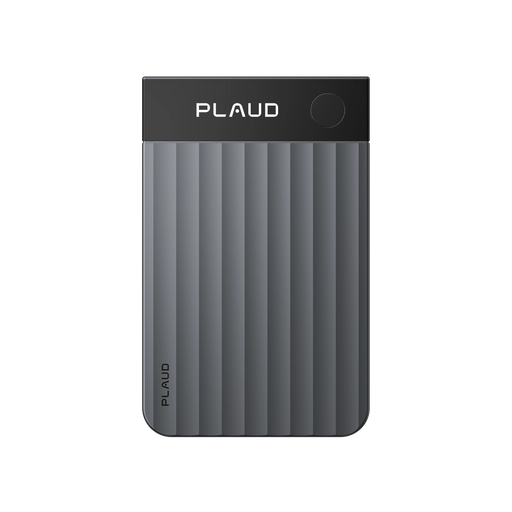
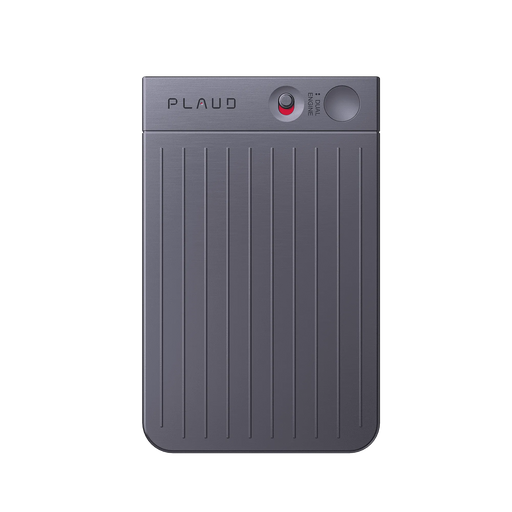
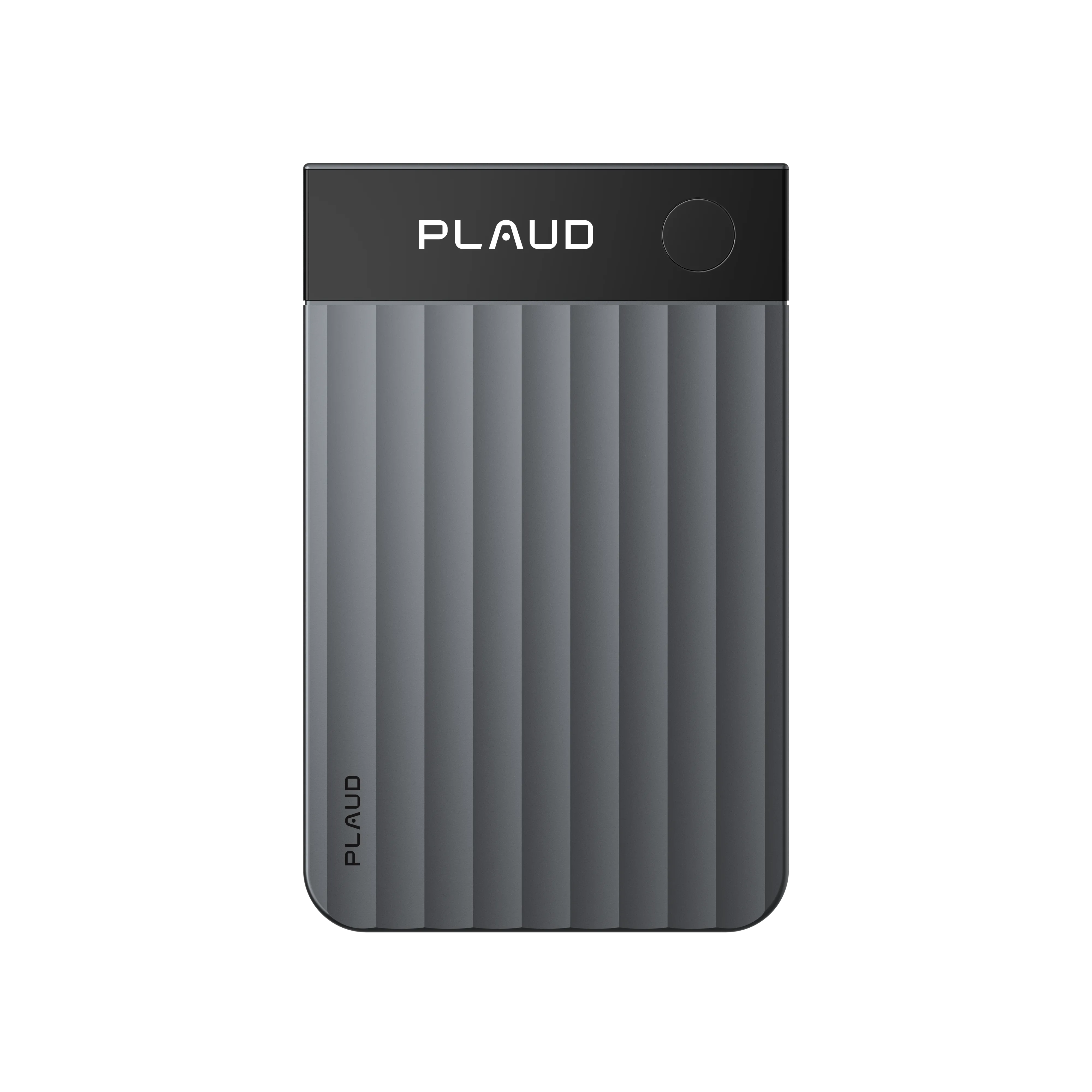
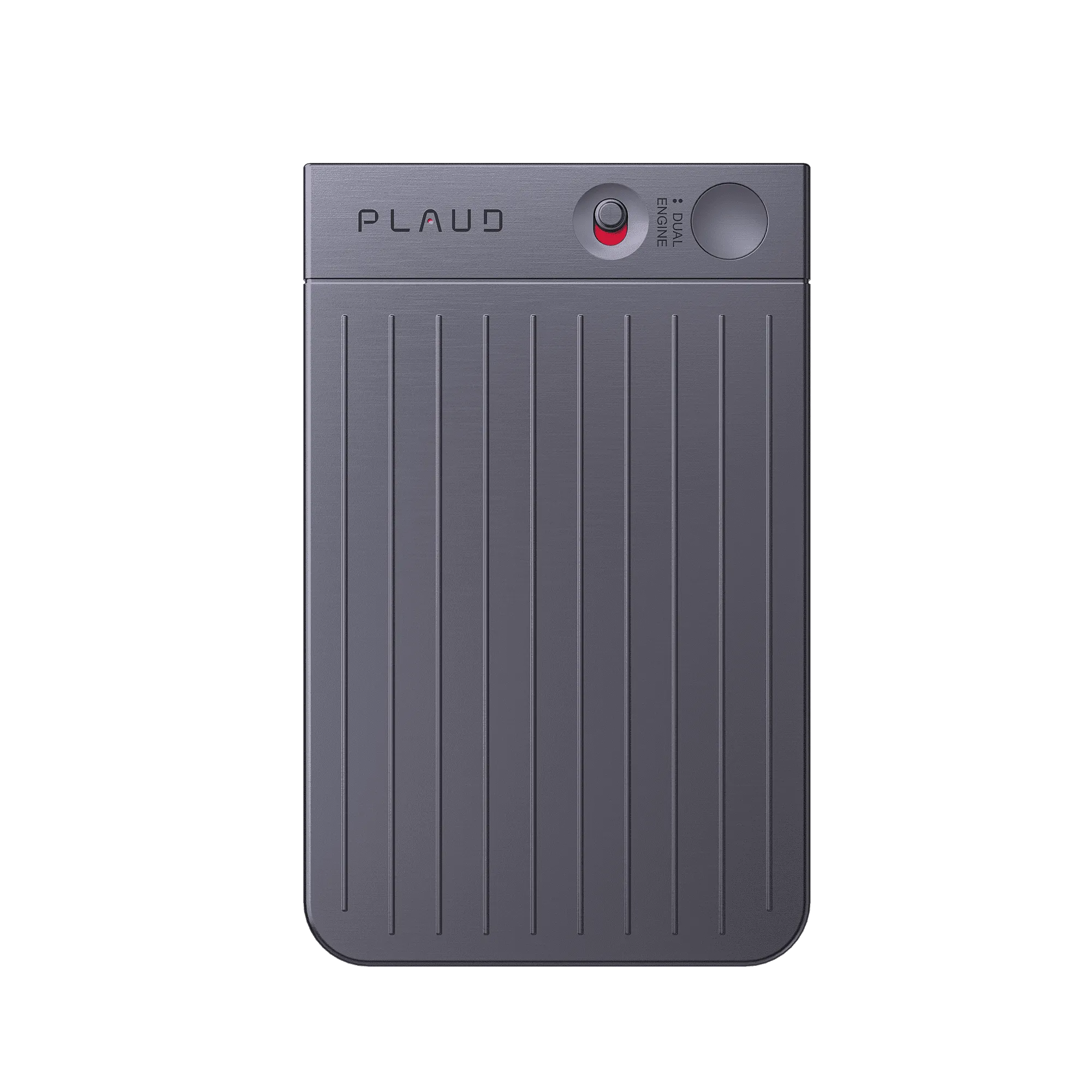
Afterwards, the hardware stays practical for everyday capture: ultra-thin, up to 30 h of recording, 60-day standby, and 64GB storage. With international safety and quality certifications, the setup feels built to be both powerful and dependable.
"Transform your conversations into role-specific summaries, mind maps, and workflow-ready insights."
Ugcalexofficial
Tech good finds creator · video at 00:10
2M+
Users globally
260 hours
Saved per year on average
112
Languages supported
Expert playbook
Follow this playbook to capture, transcribe, and utilize sensitive meetings securely.
Set up capture so you can record first, then handle security checks and sharing decisions after the meeting.
Keep the meeting present, and let capture run without distracting note-taking.
Turn audio into secure, shareable outputs that fit each stakeholder.
Build a searchable meeting library without losing control over sensitive information.
Why Plaud
When meetings include client details, HR notes, or confidential decisions, Plaud Note helps you capture and structure the conversation without turning transcription into a data-security gamble.
Record the meeting first, then decide what to process and share. You stay focused on the discussion, not on formatting notes in real time.
Turn recordings into speaker-labeled summaries, mind maps, and workflow-ready insights so the team gets next steps, not raw audio.
Complies with SOC 2, HIPAA, GDPR, and EN 18031 standards, so recordings, transcripts, and summaries stay within a controlled workflow.
Real reviews
Hear from verified customers on using Plaud for meetings.
If you’re in board meetings, or need to take notes, this tool works well.
The voice recorder and transcription function worked exactly as intended.
Great use of AI to keep me organized with recaps and action steps from meetings.
One of the greatest tools from remembering specifics from a meeting I've ever had!
FAQ
Common questions from professionals who need meeting transcripts to stay accurate, private, and compliant.
No. Every device includes a free Plaud Starter Plan with 300 transcription minutes per month. If you record frequently, you can upgrade to a membership plan for more minutes and advanced features.
Plaud is SOC 2, HIPAA, GDPR, and EN 18031 compliant. That matters when your meetings include client data, HR discussions, or confidential business decisions and you need a tool you can trust.
Speaker labels help you keep “who said what” clear without rewriting notes mid-meeting. Custom vocabulary helps transcripts stay consistent for names, roles, and domain terms, so summaries and action items do not drift.
Yes. Use speaker-labeled summaries and structured outputs to share only what each stakeholder needs. You can keep the full transcript for your own reference and distribute a clean summary for execution.
Use Ask Plaud to search by keyword and pull the relevant line from the transcript. It is a practical way to confirm a decision, number, or action item without passing around raw audio.
Keep exploring
More resources on secure transcription and compliance.
Learn what SOC 2 Type II certification signals when you are deciding whether a transcription tool is safe enough for sensitive meetings.
Explore →Read how Plaud approaches GDPR so you can adopt AI transcription without guessing where privacy boundaries are.
Explore →See how private templates help teams standardise summaries and outputs for sensitive workflows without oversharing.
Explore →
Fast Shipping
Ship out within 1-2 business days

Free 30-Day Return
No reason needed. Free return shipping & full refund.

One-Year Warranty
Warranty period subject to local laws

Lifetime Customer Support
Quick support within 24 hours on working days
Before you record, take a moment to let others know and get their okay. Thanks for being mindful of privacy and local laws.
Trending Search
Trending Search
Suggested Searches
Popular Products