Verified
★★★★★
Use is excellent immediately out of the box! I am at a CE course and it has given me excellent summary and steps to take!
 ×M.esakia
For students who are tired of writing everything down in class and still ending up with notes they cannot use — so they can stop the notebook habit and wake up to organised notes, summaries, and action points instead.

Based on real creator reviews · Trusted by 2M+ users globally
In class, Plaud Note stays on your phone so you can start recording without flipping pages or racing the speaker. You listen first, and the device captures what was said while you stay present in the room.
After class, recordings sync to the Plaud App, where Plaud Intelligence turns speech into structured notes, summaries, and action points. You skip the night of turning messy pages into something you can revise from.
When exams approach, you work from clear summaries and action points instead of half-finished handwriting. Ask Plaud to pull definitions, themes, or follow-ups straight from the recording, without scrubbing through raw audio first.
Creator review
M.esakia, a good finds creator, shares how Plaud Note replaced tiring handwritten notes, turning lectures into organised summaries and action points inside the app.
Creator's vertical video review (Instagram)
M.esakia
Good finds creator
Platform
Audience
Students who want to replace notebooks without losing ideas
Scenario tested
Recording while studying or in class, then syncing to structured notes in the app
"With Plaud Note, I don't have to worry about missing ideas — it does the work for me."
— M.esakia, video at 00:30
The problem & the fix
You try to write everything down, but the lecturer keeps going. You capture fragments while the full argument slips past, and your notebook fills up without the context you need later.
When you focus on copying, you stop processing. You leave class tired from writing, not from learning, and the important ideas never make it onto the page intact.
After class you face two bad options: replay long recordings or fight through messy pages. Either way, another block of time disappears before you have anything you can actually revise from before exams.
Plaud Note attaches to your phone so you start recording without a separate notebook workflow. You keep your eyes on the teaching, not racing the lecturer across the whiteboard, while it stays in listening mode for you.
In the app, Plaud Intelligence turns speech into organised notes, summaries, and action points. The idea mentioned in passing at minute 47 is there in full. You get study-ready material without rewriting everything by hand.
Recordings sync to the app automatically, so structured output is waiting when you open your phone after class. You go straight from lecture to revision, no cleanup session in between.
Choose your AI voice recorder
For replacing your notebook without losing anything, pick the device that matches how you sit in class, how far the lecturer is, and how much structure you want after the recording stops.
 Room-grade pickup
Best for replacing your notebook in large lecture halls
£169.00
Shop nowM.esakia’s pick
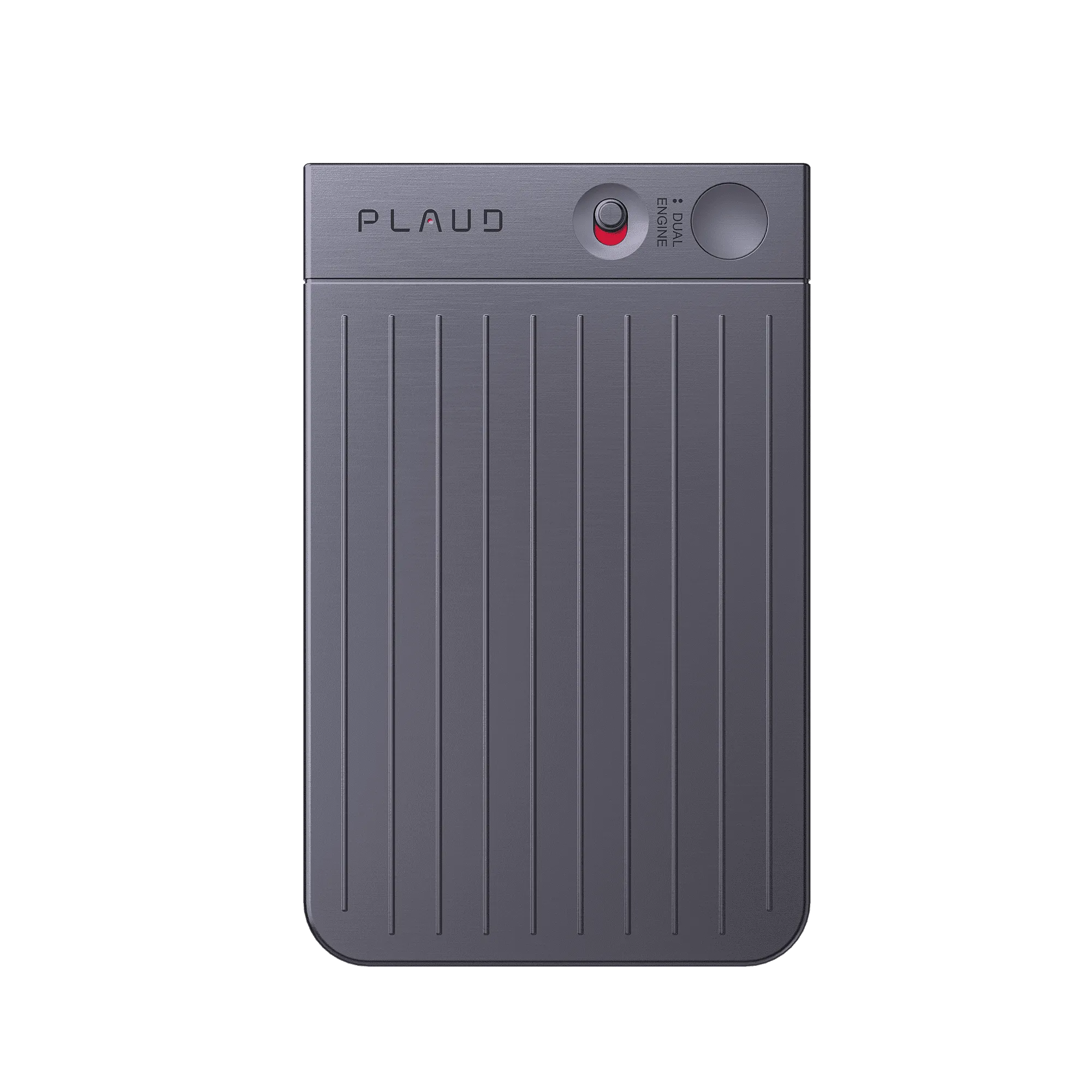
Best for replacing your notebook with a slim phone-attached recorder
£149.00
Shop now Hands-free
Best for replacing your notebook during labs and group work
£149.00
Shop nowCreator story
M.esakia x Plaud Note
M.esakia used to write everything down in a notebook, and it felt tiring. Energy went into copying, not understanding, and the pages still ended up messy on revision nights.
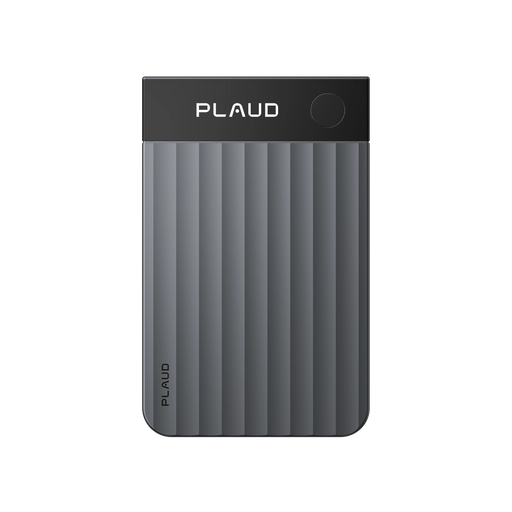
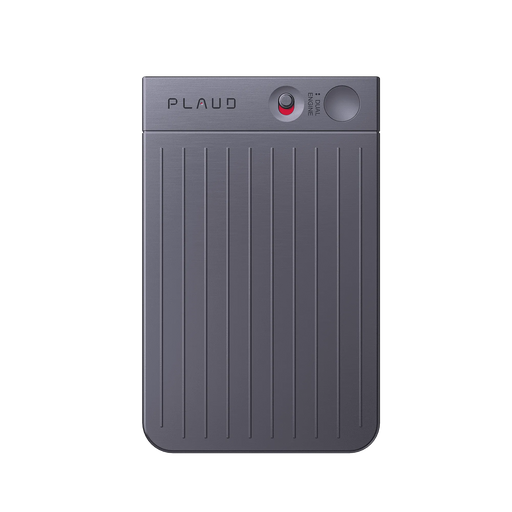
M.esakia attaches Plaud Note to a phone and starts recording when studying, working, or brainstorming. The box is simple and sleek, and the device is built for productivity, so capture stays quick instead of becoming another chore in class.
Recordings sync to the app, where Plaud Intelligence turns speech into organised notes, summaries, and action points. Missing ideas is less of a worry because the workflow finishes the job after the lecture ends.
"I can easily attach it to my phone and start recording anytime, anywhere."
M.esakia
Good finds creator · video at 00:10
2M+
Users globally
112
Languages supported
260 hours
Saved per year on average
Expert playbook
Step-by-step guide to seamlessly replace your notebook with Plaud Note.
Prepare your phone and recorder so the first lecture minute is captured, not spent troubleshooting.
Stay focused on the lecture while the recorder handles capture.
Turn the lecture into structured material you can revise from that week.
Build a semester archive you can search when exams arrive.
Why Plaud
Lectures reward listening, but exams reward usable notes. Plaud Note closes that gap with hardware capture plus Plaud Intelligence outputs, so you are not trading understanding for handwriting speed.
Plaud Note is slim enough to live on your phone through a day of classes. You start capture without unlocking a separate workflow, which matters when the lecturer already moved on to the next slide.
Plaud Intelligence supports 112 languages and turns long audio into multidimensional summaries and templates, so international courses and dense terminology stay easier to review than raw pages alone.
Plaud meets SOC 2, HIPAA, GDPR, and EN 18031 compliant standards, which matters when recordings include academic work, personal details, or group discussions you are not ready to share widely.
Real reviews
Hear from students who ditched notebooks for Plaud.
Use is excellent immediately out of the box! I am at a CE course and it has given me excellent summary and steps to take!
It is extremely easy to use and automatic notes are extremely impressive!
Excellent device - increase productivity and helps with documentation.
It works very well and very lightweight. The transcript is highly accurate.
FAQ
These are the questions students ask when they want to leave the notebook behind but still trust what they will review later.
Yes. Plaud Note captures everything the lecturer says, so you do not need to write as a backup. With recording handled, you stay with the lecturer's thinking instead of falling behind trying to copy it. The full record is in the app when class ends — nothing is lost because you did not write it down.
Your phone can record, but Plaud Note is built for longer sessions, clearer pickup at distance, and fewer interruptions when apps switch or notifications arrive. Plaud also pairs with Plaud Intelligence so speech becomes structured notes and summaries, not just a long audio file you still have to decode alone.
Yes. Plaud is engineered for larger spaces such as lecture halls and conferences. If you sit far from the speaker, Plaud Note Pro adds stronger room-grade pickup, while Plaud Note still handles typical in-room seating with a slim phone-attached design.
Give a quick heads-up that you are using an AI note taker so you do not miss key points, and offer to share notes when it helps. Rules differ by school and country, so check your institution's policy and local regulations before you record.
Plaud captures in-person lectures, labs, and study sessions — not only scheduled calls. Dedicated hardware avoids the awkward moment of opening an app mid-row, and Plaud Intelligence supports custom templates for the way your course actually runs.
Keep exploring
More ways to boost your productivity with Plaud.
Practical study habits that pair well with voice capture and structured notes when coursework piles up.
Explore →A student user story on fitting classes, shifts, and note-taking into one workflow with Plaud Note.
Explore →Turn dense lecture transcripts into clearer study material with speaker labels and templates that match your courses.
Explore →
Fast Shipping
Ship out within 1-2 business days

Free 30-Day Return
No reason needed. Free return shipping & full refund.

One-Year Warranty
Warranty period subject to local laws

Lifetime Customer Support
Quick support within 24 hours on working days
Before you record, take a moment to let others know and get their okay. Thanks for being mindful of privacy and local laws.
Trending Search

Trending Search
Suggested Searches
Popular Products