Verified
★★★★★
Works great so far, appears accurate still working it into my workflow.
 ×Themancavediaries
For people who cannot afford to miss what was said on a call — so every conversation becomes a full transcript, instant key points, and a mind map ready to act on.

Based on real creator reviews · Trusted by 2M+ users globally
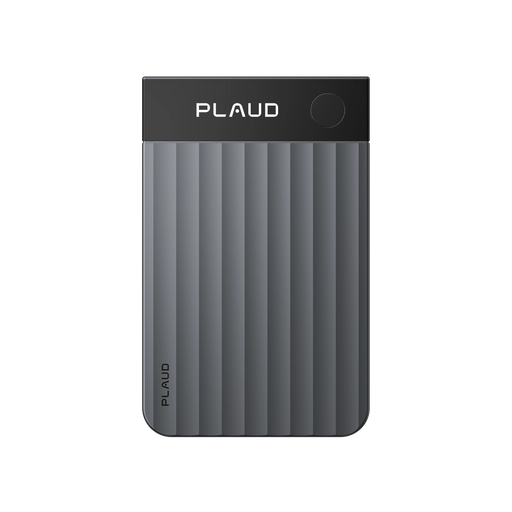
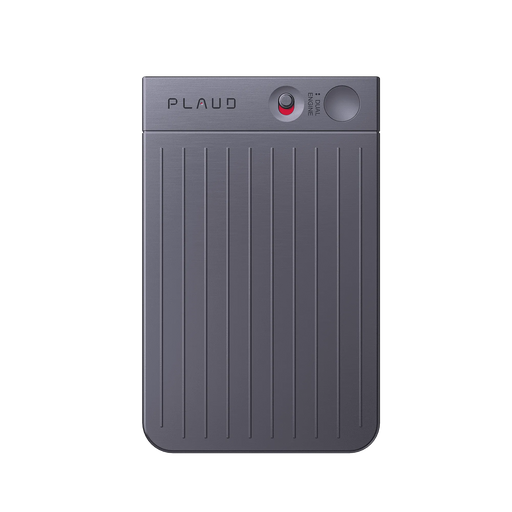
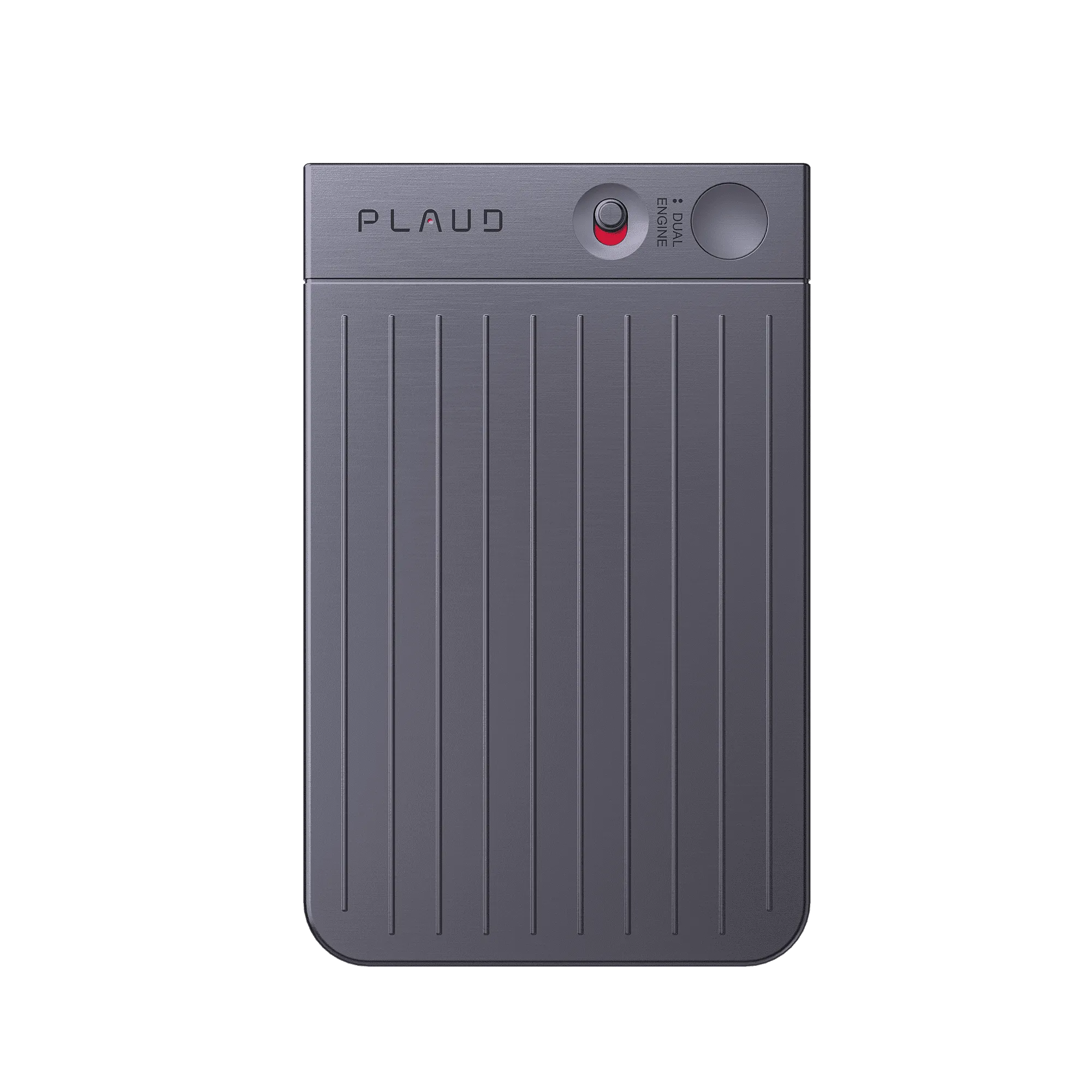
Plaud Note snaps onto your phone with MagSafe. When a call comes in, one tap starts recording every detail. No app to open, no setup to manage — the call is already being captured before the other person finishes their first sentence.
When the call ends, Plaud Intelligence transcribes the conversation and summarises the key points automatically. You get the full text and the highlights without replaying a single second of audio.
Plaud even creates a mind map to visualise the discussion. Instead of reading through a transcript to find the structure, the connections and key threads are already laid out. You spend less time reviewing and more time acting on what was said.
Creator review
Themancavediaries, a tech & good finds creator, shares how he uses Plaud Note to capture phone call details and turn every conversation into a transcript, key points, and a mind map ready to act on.
Creator's vertical video review (Instagram)
Themancavediaries
Tech & good finds creator
Platform
Audience
Professionals who rely on calls and cannot miss details
Scenario tested
Turn phone calls into text, key points, and mind maps
"Calls and meetings turn into text. Plaud summarizes key points. It even creates a mind map to visualize the discussion."
— Themancavediaries, video at 00:11
The problem & the fix
The other person is already talking. Opening a notes app or finding a recorder mid-call means you have already missed the first thirty seconds, usually where the most important context lands.
You caught the main points but not the exact number, the specific condition, or the follow-up that was mentioned in passing. Reconstructing it from memory takes time and is rarely accurate.
You have the recording but scrubbing through audio to find one line is slow. The longer you wait to review, the less confident you are acting on what was said.
Plaud Note snaps onto your phone with MagSafe and stays there. One tap starts recording the moment the call connects. No setup, no scrambling, every detail is captured from the first word.
Calls turn into text through the Plaud App. The exact number, the specific condition, the follow-up mentioned in passing, all there in the transcript, not filtered through memory.
Plaud even creates a mind map to visualise the discussion. The key threads, decisions, and next steps are laid out visually. You spend less time reviewing and more time turning the call into action.
Choose your AI voice recorder
Pick the device that turns every phone call into a transcript and mind map you can act on straight away.
 Hybrid capture
Best for call recording with a room-grade display
£169
Shop nowThemancavediaries’s pick
Best for call recording, pocket-ready
£149
Shop now Hands-free
Best for call recording plus hands-free capture
£149
Shop nowCreator story
Themancavediaries x Plaud Note
Calls move fast, especially right at the start. When important details are shared, he either tries to remember everything or breaks the flow to open an app and type notes, then still has to re-listen later to confirm what was said.
Now he snaps Plaud Note onto his phone and starts recording with one tap. After the call, Plaud turns the conversation into text, summarizes key points, and generates a mind map to visualize what happened.
Instead of spending time reviewing audio, he gets clarity and organization automatically, so he can turn ideas into action with more confidence and less friction.
"One tap, and it starts recording every detail of my calls."
Themancavediaries
Tech & good finds creator · video at 00:00
2M+
Users globally
112
Languages supported
260 hours
Saved per year on average
Expert playbook
Follow this step-by-step playbook to capture calls and turn them into actionable transcripts and mind maps.
Set up a frictionless way to capture the moment the call starts.
Stay present and let the device capture every detail.
Turn the call into text, structure, and action quickly.
Build a searchable call history you can reuse and learn from.
Why Plaud
Plaud Note captures call details without breaking the flow, then turns every conversation into a transcript, key points, and a mind map ready to act on.
One press to record, then keep the conversation natural while Plaud Note captures the details for you.
Get transcript, summary, and mind map from the same call, then ask Plaud for next steps without rebuilding context.
Plaud is SOC 2, HIPAA, GDPR, and EN 18031 compliant, so your recordings and transcripts stay protected.
Real reviews
Hear what real customers say about using Plaud Note for call capture and transcription.
Works great so far, appears accurate still working it into my workflow.
Excellent device - increase productivity and helps with documentation.
Plaud is the gold standard for notes including organizing and explaining. Simply the best.
Excellent product! Captures everything and compiles in a meaningful format. Saves time!!!
FAQ
These are the questions people ask when they want to capture phone call details and turn calls into text, key points, and mind maps.
No. Plaud comes with a free Starter Plan including 300 transcription minutes per month. If you need more minutes or advanced features, you can upgrade to a membership plan.
Plaud supports SOC 2, HIPAA, GDPR, and EN 18031 compliance. Your recordings and transcripts are protected, which helps when calls include sensitive business details.
Yes. Plaud Note records both incoming and outgoing calls. One tap starts capturing the moment the call connects, whether you made the call or received it.
After the call, Plaud Note turns the conversation into a full transcript, summarises key points, and generates a mind map automatically.
Plaud Note records silently on your end. Recording requirements vary by location and use case, so check local laws and your company policy before recording a call, and let the other person know when notice or consent is required.
Keep exploring
Discover more ways to capture and utilize your conversations.
A practical guide to recording iPhone calls and capturing critical details without relying on fragile app workflows.
Explore →Learn how mind maps help you visualize conversations and turn transcripts into structured, actionable understanding.
Explore →Explore speaker labels and custom templates for cleaner transcripts and summaries that match how you work after a call.
Explore →
Fast Shipping
Ship out within 1-2 business days

Free 30-Day Return
No reason needed. Free return shipping & full refund.

One-Year Warranty
Warranty period subject to local laws

Lifetime Customer Support
Quick support within 24 hours on working days
Before you record, take a moment to let others know and get their okay. Thanks for being mindful of privacy and local laws.
Trending Search

Trending Search
Suggested Searches
Popular Products