

Verified
★★★★★
Excellent device - increase productivity and helps with documentation.
 ×Selimestory
For business professionals who run back-to-back meetings but do not want the best ideas to stall after the call — so they can turn every conversation into clear next steps with AI.

Based on real creator reviews · Trusted by 1.5M+ users globally
When your calendar is stacked, you do not have time to pause and type. Plaud Note lets you bring one small AI voice recorder to the room and record what was actually said, so you can stay present and keep the discussion moving.
After the meeting, Plaud Intelligence turns the recording into speaker-labeled transcripts, key points, and a clean mind map. You get clarity fast, so decisions and action items do not get stuck in messy notes.
Use Ask Plaud to go deeper on any idea that surfaced. Ask what angles are worth pursuing, what risks were not addressed, or what a follow-up proposal might look like. The meeting becomes an input, not just a record.
Creator review
Selimestory, a business professional, shares how Plaud Note records her meetings and delivers key points and a mind map, giving her an AI assistant ready to brainstorm after every call.
Creator's vertical video review (Instagram)
Selimestory
Business professional
Platform
Audience
Business professionals with back-to-back meetings and calls
Scenario tested
Turning meeting conversations into next steps with AI brainstorming
"I can further brainstorm with AI on topics relevant to my work. It is like a personal assistant for meetings."
— Selimestory, video at 00:34
The problem & the fix
The second you switch to taking notes, you stop hearing what is being said. Hand-written notes and memory fill in the gaps, and the gaps are where the useful details live.
You have the audio, but 40 minutes of conversation does not show you the shape of the discussion. The key threads, the open questions, the direction worth pursuing, none of that is visible yet.
Even with good notes, the jump from "here is what was said" to "here is what we should do" is still on you. That is the part that stalls.
Plaud Note captures the full meeting with speaker labels, so you stay in the conversation while it captures the full meeting, including the offhand remark at minute 38 that turns out to matter.
Plaud Intelligence automatically generates a structured mind map and summary after the meeting ends, so the key threads and open questions are visible.
Use Ask Plaud to brainstorm next steps, explore angles worth pursuing, or turn the discussion into a proposal. The meeting becomes the input. The thinking continues from there.
Choose your AI voice recorder
If your week is built on meetings, pick the device that captures reliably and helps you turn conversations into next steps with summaries, mind maps, and Ask Plaud.
 Room-ready
Best for getting more out of every meeting when you want stronger pickup and pro capture modes
£169
Shop nowSelimestory's pick
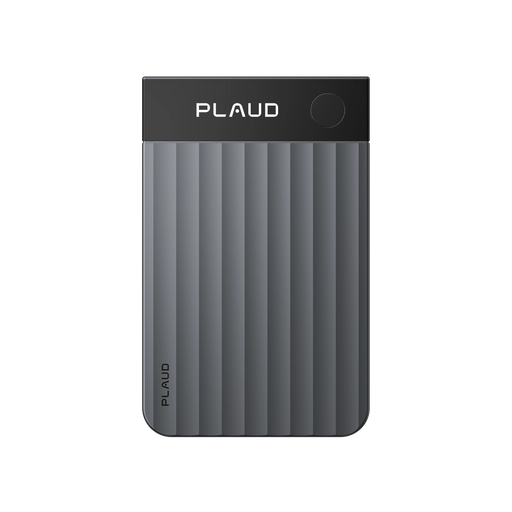
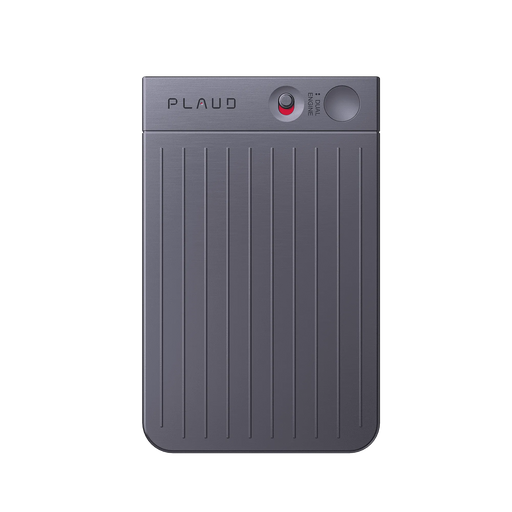
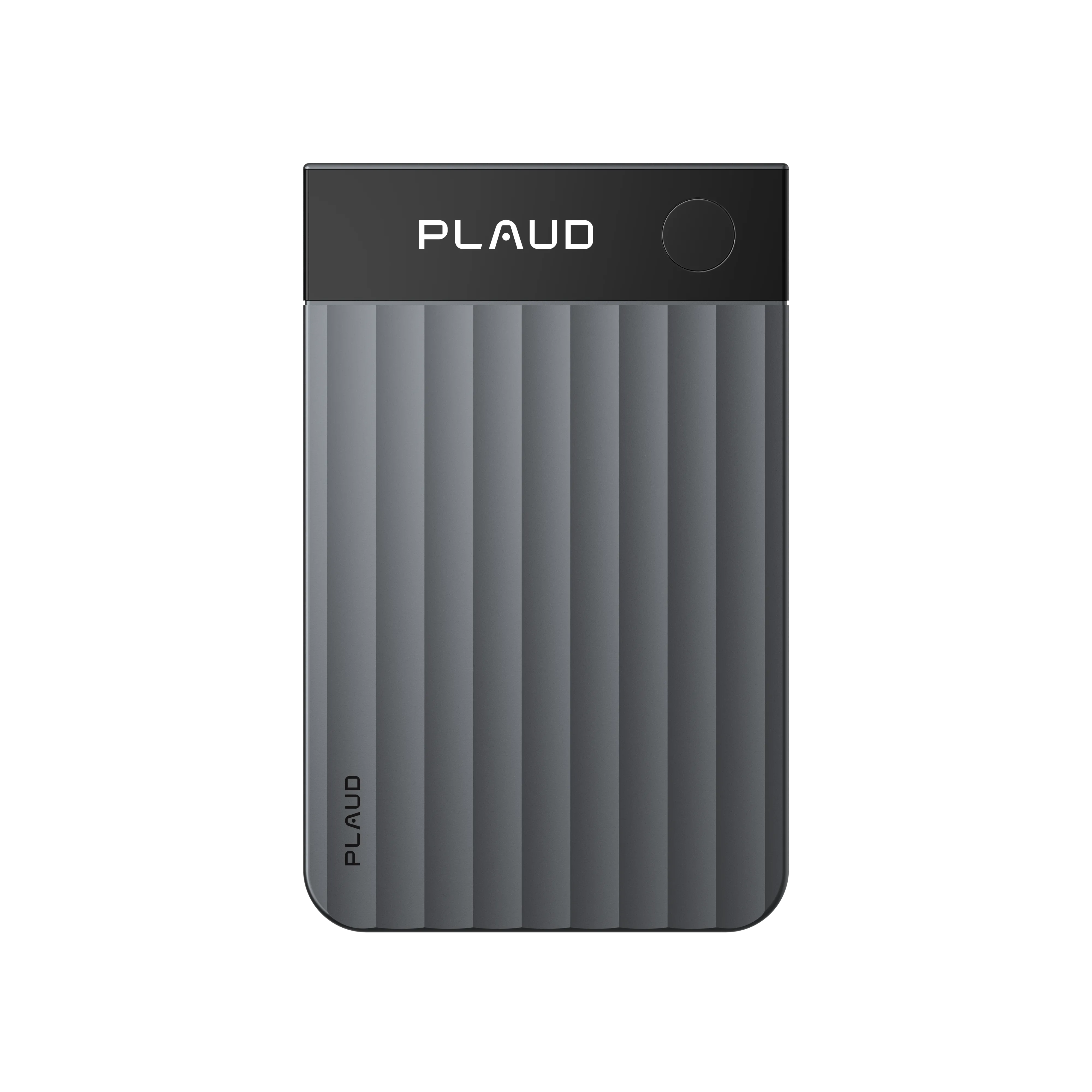
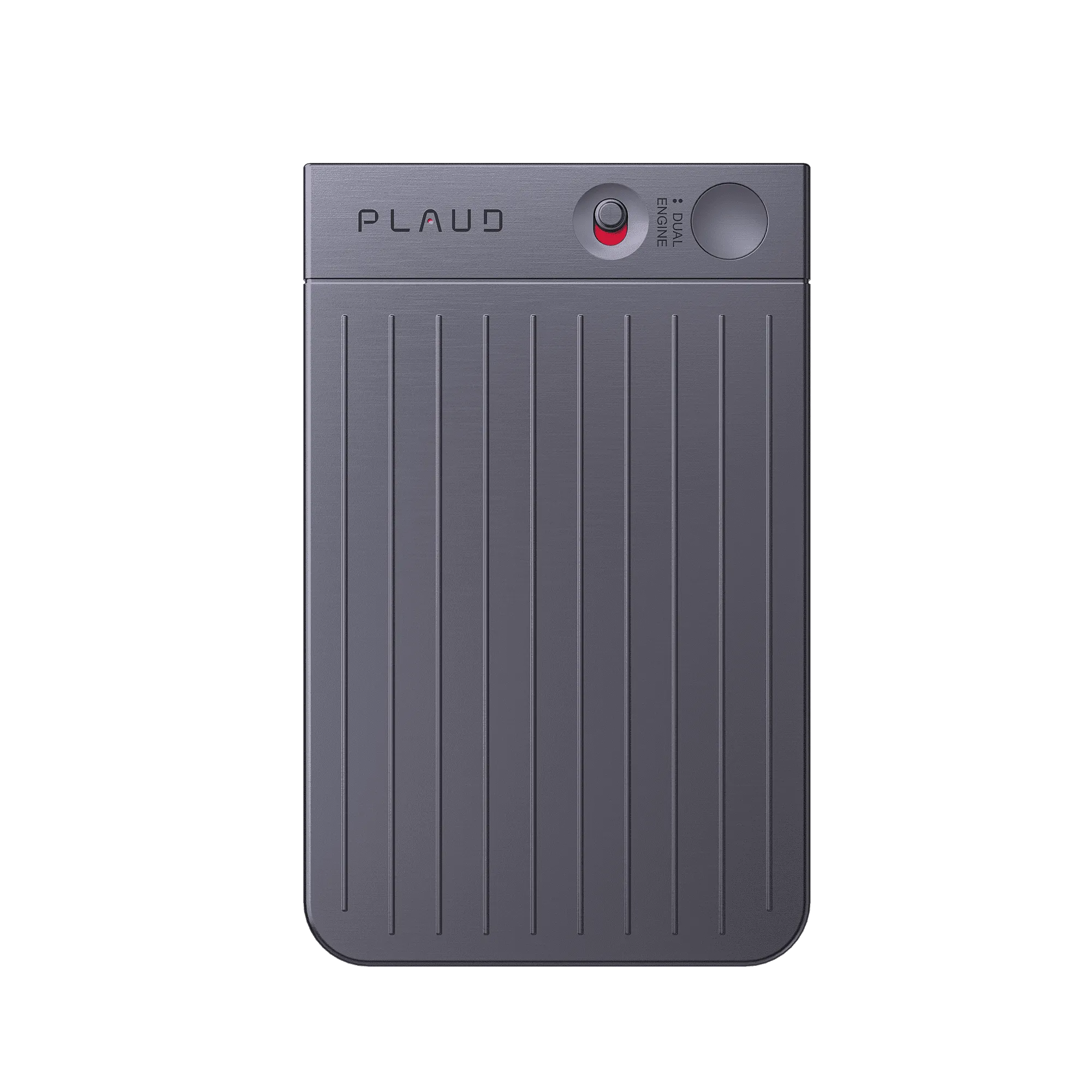
Best for getting more out of every meeting with a slim AI voice recorder you can carry everywhere
£149
Shop now Hands-free
Best for getting more out of every meeting when you prefer wearable capture
£159
Shop nowCreator story
Selimestory x Plaud Note
Selimestory runs meetings, calls, and follow-ups every day. Before Plaud Note, the hardest part was not sitting in the meeting. It was finding the time after it to turn a good discussion into real progress without losing context.
Now she brings Plaud Note to the room and records the conversation, then opens the Plaud App to get a transcript with speaker labels, a summary, and a mind map. When something sparks a direction she wants to push forward, she uses Ask Plaud to brainstorm right on top of the meeting context.
Instead of leaving each call with scattered fragments, she leaves with structured outputs and next-step ideas she can act on. That makes it easier to write the follow-up, set the next agenda, and keep work moving between meetings.
"You can ask AI anything about your meeting. It is super smart and specific."
Selimestory
Business professional · video at 00:34
1.5M+
Users globally
260 hours
Saved per year on average
112
Languages supported
Expert playbook
Follow these expert steps to turn every meeting into actionable progress.
Set up capture so your next step never depends on memory.
Stay present so the meeting produces better outcomes.
Convert the conversation into next steps while context is fresh.
Build a searchable progress history across meetings.
Why Plaud
When meetings stack up, progress depends on what happens right after. Plaud Note captures the conversation, then Plaud Intelligence helps you turn it into structure and AI-powered brainstorming for next steps.
Plaud Note is designed to be carried easily and started fast, so recording does not add friction when your calendar is full.
Transcribe in 112 languages with speaker labels, then generate speaker-labeled summaries and mind maps so you can move from discussion to action faster.
Plaud supports SOC 2, HIPAA, GDPR, and EN 18031 compliance, so meeting content stays within a controlled workflow.
Real reviews
Hear from customers who use Plaud Note to boost productivity in meetings.
Excellent device - increase productivity and helps with documentation.
If you’re in board meetings, or need to take notes, this tool works well.
Great use of AI to keep me organized with recaps and action steps from meetings.
I use this for all of my meetings and work calls. Absolutely worth the investment.
FAQ
If you want your recordings to lead to real progress, these are the questions that matter.
Most recordings sit unused because replaying audio is too slow and there is no easy way to pick up where the meeting left off. Plaud Note generates a structured summary with speaker labels the moment recording ends. And with Ask Plaud, you can dig into specific moments and brainstorm further from the transcript, without listening back to a single second of audio.
Ask Plaud draws on the full transcript of your meeting, so answers are grounded in what was actually said, not generic responses. Plaud Intelligence is built on leading AI models and learns from your meeting context directly, so the more specific your question, the more useful the answer.
PPlaud supports SOC 2, HIPAA, GDPR, and EN 18031 compliance. These certifications cover the security and privacy standards that matter most in professional and business contexts, so your meetings are in good hands.
Yes. Plaud Note has two recording modes: one for in-person conversations and one for phone calls. Whether the idea worth developing came up in the boardroom or on a client call, it ends up in the same place: transcribed, summarised, and ready for you to think through with AI.
The hardware is a one-time purchase. Plaud Note comes with a free Starter Plan including 300 transcription minutes per month. Paid plans are available if you need more, but there is no obligation to upgrade.
Keep exploring
Discover more ways to enhance your meetings with Plaud.
See how Ask Plaud pulls conclusions and action items, and helps you draft reports and emails from a meeting.
Explore →Learn how speaker labels and personalized templates make transcripts clearer and summaries more actionable.
Explore →A practical view of how Plaud helps you stay present in meetings and turn conversations into searchable summaries and next steps.
Explore →
Fast Shipping
Ship out within 1-2 business days

Free 30-Day Return
No reason needed. Free return shipping & full refund.

One-Year Warranty
Warranty period subject to local laws

Lifetime Customer Support
Quick support within 24 hours on working days
Before you record, take a moment to let others know and get their okay. Thanks for being mindful of privacy and local laws.
Trending Search
Trending Search
Suggested Searches
Popular Products