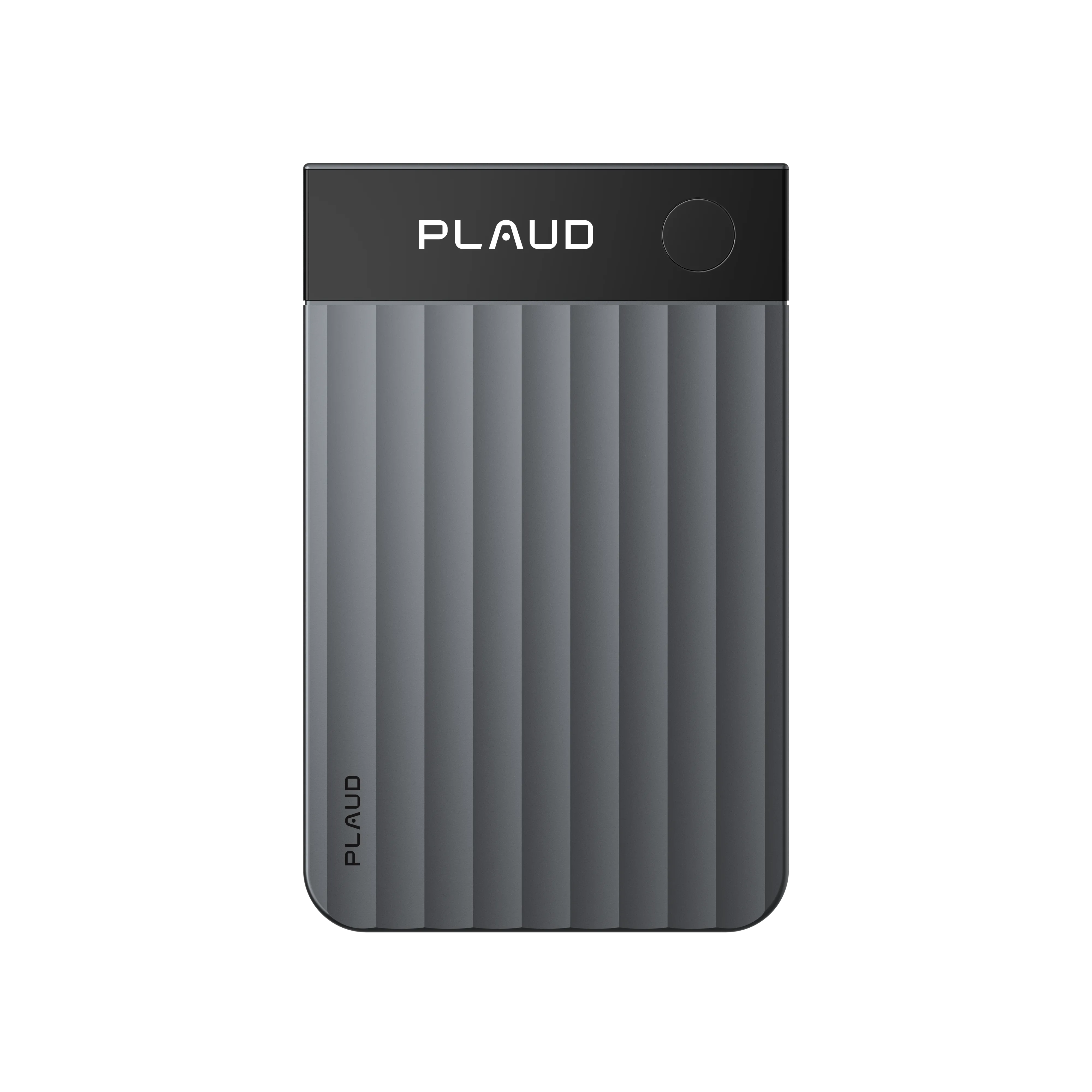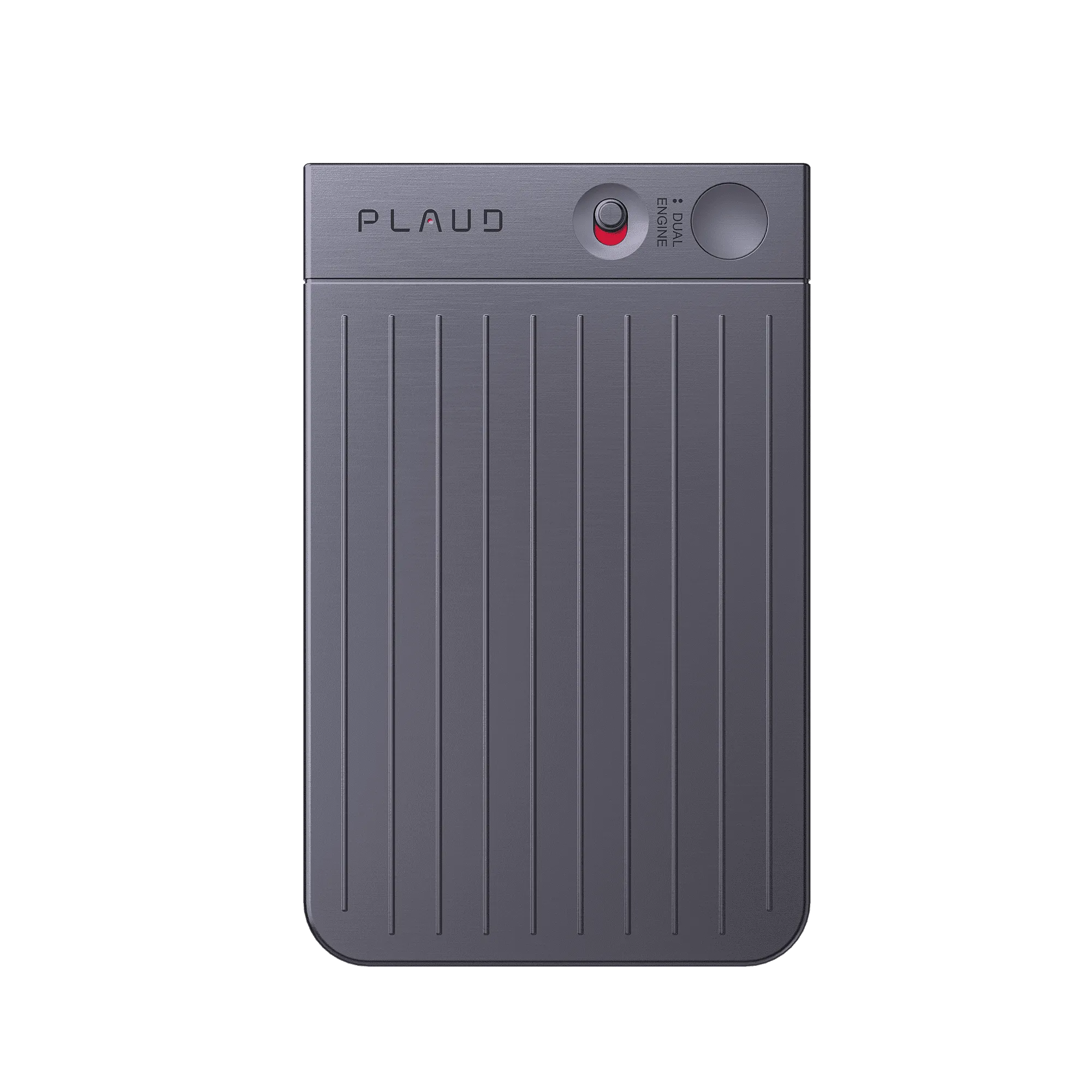


While Plaud helps turn conversations into actionable insights and makes it easy to search across your meeting context, there are still many workflows that our users use tools like ChatGPT and Claude for.
That’s why we’re excited to announce that you can now connect your Plaud data to ChatGPT and Claude in one click!
What you can actually do with it
For sales teams: push call outcomes directly into your CRM
After a sales call, ask Claude or ChatGPT: "Update my Salesforce with the key outcomes from today's call with Acme Corp: deal stage, objections raised, and agreed next steps." It reads the full transcript and pushes structured deal notes into your CRM directly. No manual data entry, no end-of-day catch-up. Connect HubSpot or Linear alongside Plaud and the same prompt can log the follow-on task in your project tracker at the same time.
For legal and compliance professionals: cross-reference consultation recordings with Clio to log time and flag obligations
After a client consultation, ask Claude: "Pull today's conversation with the Acme Corp team, cross-reference it against their matter in Clio, and extract the billable time, client instructions, and any deadlines mentioned." Claude reads the Plaud transcript for what was said and queries Clio for the matter history behind it, generating a structured summary with obligations flagged and time entries ready to log. No reconstruction from memory at the end of the day, and nothing that needs to be manually entered into the file.
For operations teams: surface meeting decisions and commitments directly into Asana
After a series of project or planning meetings, ask Claude: "Compare my last four weekly meeting recordings against our Asana project board and flag any decisions made or tasks committed to that have not been logged yet." Claude reads across every matching Plaud transcript and checks them against your live project data, surfacing the gaps between what the team agreed and what the tracker reflects. Misalignments that used to stay hidden until a deadline get caught before they become a problem.
Two AI assistants, one-click setup, zero technical expertise required
Plaud in Claude
Plaud is now an official connector in Claude, available in both Claude Web and Claude Desktop.
- Open Claude and go to Settings → Connectors
- Search for Plaud Web MCP and click Connect
- Authorize with your Plaud account
That's it. Claude can now pull up the specific recording you ask about, and combine that context with your other connected tools like your CRM, project tracker, or BI dashboard to update, analyze, and act in a single pass.
Plaud in ChatGPT
Plaud is also live as an app inside ChatGPT, with the same one-click simplicity.
- Go to chatgpt.com
- In the left sidebar, click Apps and search for Plaud
- Click Connect and sign in with your Plaud account
From there, ask ChatGPT about any recording by date, topic, participant, or keyword, no technical setup required.
Both connectors take under two minutes to set up. No code, no API keys, no IT ticket, and your recordings are only ever pulled up when you ask.
Prefer a different AI Agent? Plaud MCP goes there too
Claude and ChatGPT are the fastest way in, but if you work in Claude Code, Cursor, Windsurf, VS Code, Zed, Codex, or any other MCP-compatible client, Plaud connects there as well, via a single installer command. Full setup steps for every supported client are documented at docs.plaud.ai/plaud-mcp-cli/mcp.
Every conversation is an asset. Now it works like one.
You already do the hard part: showing up, having the conversation, capturing it with Plaud. Plaud MCP makes sure that work does not stop paying off the moment the call ends. One click connects Claude or ChatGPT to your recordings, and every meeting becomes the input for your next CRM update, compliance brief, or project gap analysis.
Connect Plaud to Claude or ChatGPT →
Disclaimer: References to Claude, ChatGPT, and associated logos are used solely to identify compatibility with the Plaud product and do not imply endorsement, sponsorship, or affiliation by Anthropic or OpenAI.