Verified
★★★★★
Very useful. I've tried it with several languages — very accurate and quick.
 ×Leokhitara
For anyone who records in one language and needs to work in another — so the whole process from audio to translated notes happens in one place without switching tools.

Based on real creator reviews · Trusted by 2M+ users globally
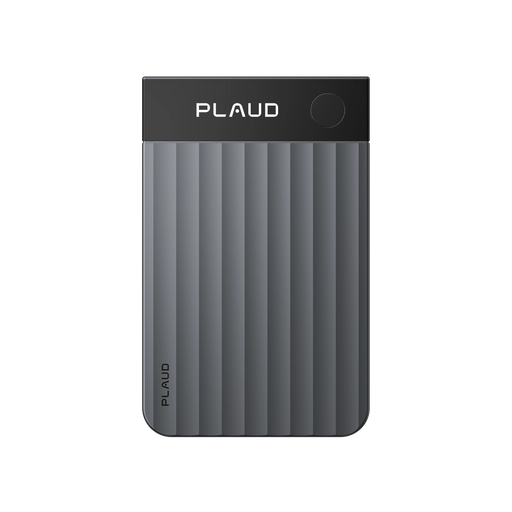
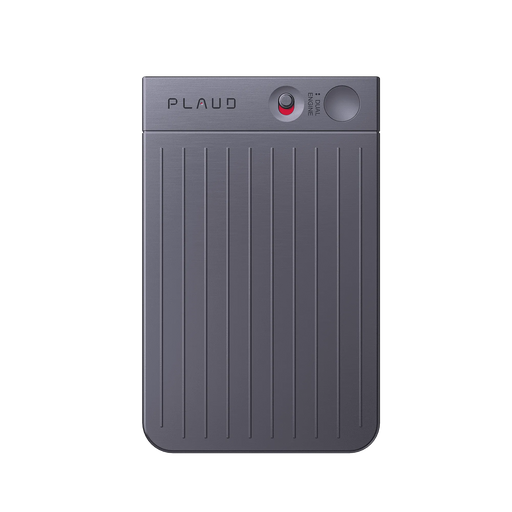
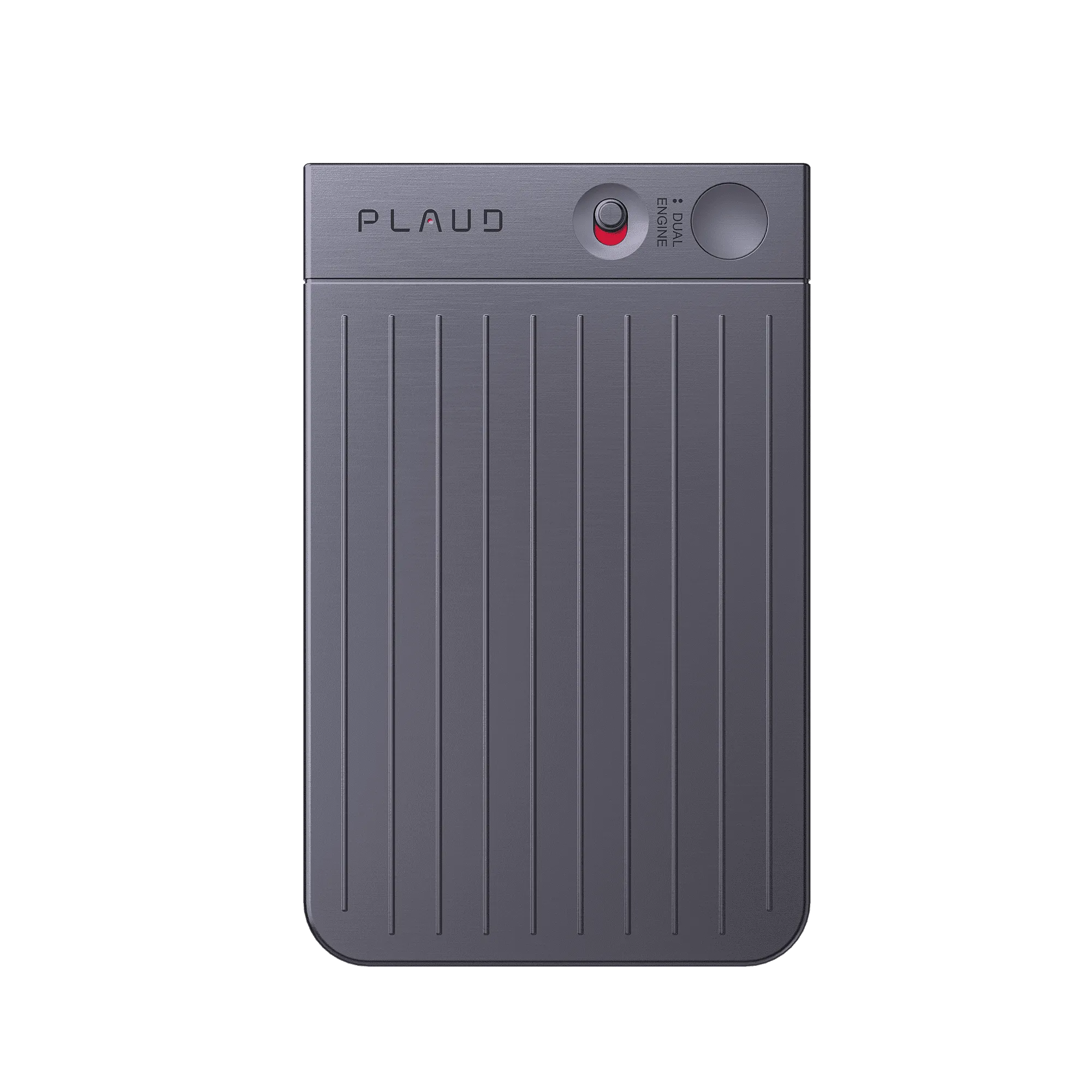
Plaud Note stays compact and minimal on your phone, ready to record quick ideas, voice notes, or meetings whenever you need it. Audio quality is super clear, so the next step is not fighting bad sound.
After you stop recording, the workflow stays in one place. Plaud Intelligence turns speech into text, and you can translate when you need another language, so you are not copying lines into a separate translation tool. The text is organised and ready before you start working with it.
Export or share the version your team needs without rebuilding the same content in a second app. What started as audio in one language becomes usable content in another, without the extra steps in between.
Creator review
Leokhitara, a good finds creator, shares how Plaud Note makes recording ideas, voice notes, and meetings simple, with translation built into the same workflow.
Creator's vertical video review (Instagram)
Leokhitara
Good finds creator
Platform
Audience
People who need voice to text with translation in one workflow
Scenario tested
Recording ideas, memos, or meetings, then continuing in the app without switching tools
"You can even translate."
— Leokhitara, video at 00:20
The problem & the fix
You open a transcription tool, wait for it to process, copy the output, paste it somewhere else. By the time you have readable text, the momentum is gone.
You take the transcript, paste it into Google Translate or another tool, and piece the result back together. Each pass introduces errors, and by the end you are not sure if what you have reflects what was actually said.
After an hour of copying, pasting, and fixing, you have a pile of translated pieces that still need to be assembled. The recording was supposed to save you time. It did not.
Plaud Note syncs to the Plaud App automatically. Plaud Intelligence transcribes the audio without you opening a second tool, so you can start reviewing as soon as processing completes.
Record quick ideas, voice notes, or meetings, then continue in the Plaud App. Speech becomes structured text, and translation stays part of the same workflow instead of a separate chore.
Nothing gets lost between steps because there are no steps between tools. You leave with notes you can share, file, or build on, including a translated version when you need it.
Choose your AI voice recorder
For voice to text with translation, pick the device that matches how you capture audio, how far you sit from the speaker, and how you want to wear or carry it day to day.
 Room-grade pickup
Best for voice to text with translation in large rooms and hybrid calls
£169.00
Shop nowLeokhitara's pick
Best for everyday voice to text with translation on your phone
£149.00
Shop now Hands-free
Best for voice to text with translation on the move
£149.00
Shop nowCreator story
Leokhitara x Plaud Note
Leokhitara treats Plaud Note as a handy device he keeps using. The pain he avoids is the old chain: record somewhere, transcribe somewhere else, then paste into another tool just to read or share the same content in another language.
He records quick ideas, voice notes, or meetings with a compact, minimal device on his phone. He calls out how super clear the audio sounds, because messy audio is what makes every later step harder.
He says the whole process stays simple. In the Plaud App, text and translation can stay in one workflow, which is why he singles out that you can even translate without treating it like a separate project.
"It really makes the whole process simple."
Leokhitara
Good finds creator · video at 00:20
2M+
Users globally
112
Languages supported
4
Design awards
Expert playbook
Follow this step-by-step playbook to optimize your recording, transcription, and translation process.
Start each session ready for a clean transcript and a smooth path to translation.
Give Plaud Intelligence audio it can work with before text and translation.
Finish with text you can send, not a pile of half-moved paragraphs.
Build a library you can search when the same client or course shows up again.
Why Plaud
Cross-language work breaks when capture, transcription, and translation live in different apps — Plaud Note keeps the whole workflow in one place.
Plaud Note stays slim on your phone, so it is already there when you need to record. A device you always have with you is a device you actually use.
Plaud Intelligence supports 112 languages, so the path from speech to text stays practical when your week mixes more than one language. Summaries and templates help you move from raw text to something you can send.
Plaud meets SOC 2, HIPAA, GDPR, and EN 18031 compliant standards, which matters when recordings include client names, HR details, or interview material you are not ready to spread across extra tools.
Real reviews
Customers share their experiences using Plaud Note for accurate voice to text transcription across languages.
Very useful. I've tried it with several languages — very accurate and quick.
The voice recorder and transcription function worked exactly as intended.
It works very well and very lightweight. The transcript is highly accurate.
It is extremely easy to use and automatic notes are extremely impressive!
FAQ
These are the questions people ask when they want voice to text with translation without rebuilding the same content in three tools.
Yes. You record with Plaud Note, then continue in the Plaud App where Plaud Intelligence turns speech into text. Translation stays in the same workflow so you are not moving content between separate apps to finish the job.
Yes. Plaud Intelligence includes speaker labels, so the transcript identifies who said what. This is useful when you are recording a conversation or interview and need to know which speaker's words you are translating or quoting.
Plaud Note supports transcription in 112 languages. Translation is available directly inside the Plaud App, so you are not copying text into a separate tool to get to the language you need.
Phone recordings sit as raw audio files, and moving text between apps adds extra steps where formatting breaks and context slips. Plaud pairs dedicated capture with Plaud Intelligence in one place, so structured text and translation stay part of the same workflow.
The hardware is a one-time purchase. Plaud Note comes with a free Plaud Starter Plan including 300 transcription minutes per month. Paid plans are available if you need more volume, but there is no obligation to upgrade.
Keep exploring
Discover more features and updates to enhance your voice to text workflow.
See how Plaud Intelligence gains stronger models for summaries and analysis when your transcripts span long meetings or mixed content.
Explore →Turn dense transcripts into clearer bilingual-ready notes with speaker labels and templates that match how you work.
Explore →Trim silence before transcription so your minutes go further when you batch-process clips for text and translation.
Explore →
Fast Shipping
Ship out within 1-2 business days

Free 30-Day Return
No reason needed. Free return shipping & full refund.

One-Year Warranty
Warranty period subject to local laws

Lifetime Customer Support
Quick support within 24 hours on working days
Before you record, take a moment to let others know and get their okay. Thanks for being mindful of privacy and local laws.
Trending Search

Trending Search
Suggested Searches
Popular Products