Verified
★★★★★
Great device for all meetings! Hassle free and great summary provided using AI.
 ×Qetti_lomidzee
For professionals who sit across from clients or teammates who speak a different language — so they can press once to capture everything, then get easy-to-read summaries and mind maps without replaying or translating a word.

Based on real creator reviews · Trusted by 1.5M+ users globally
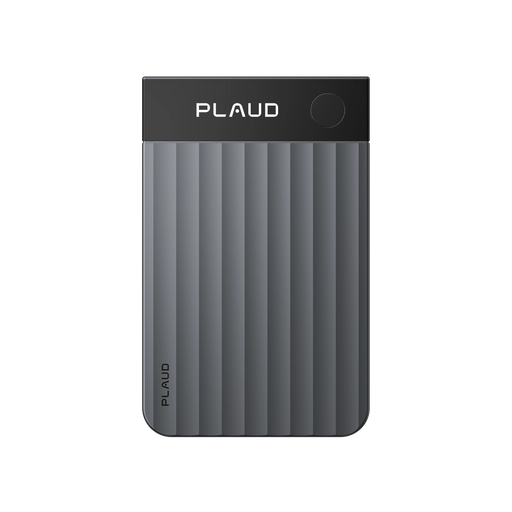
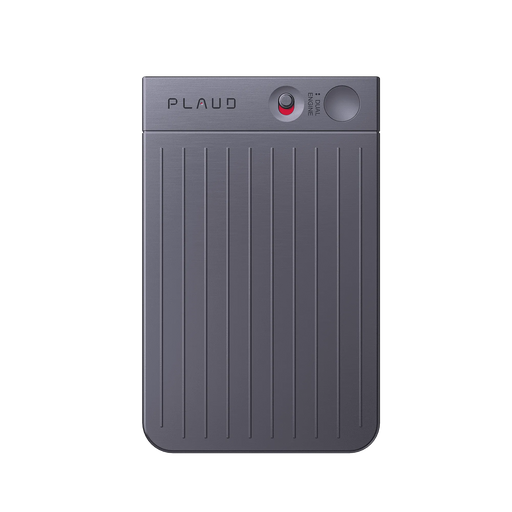
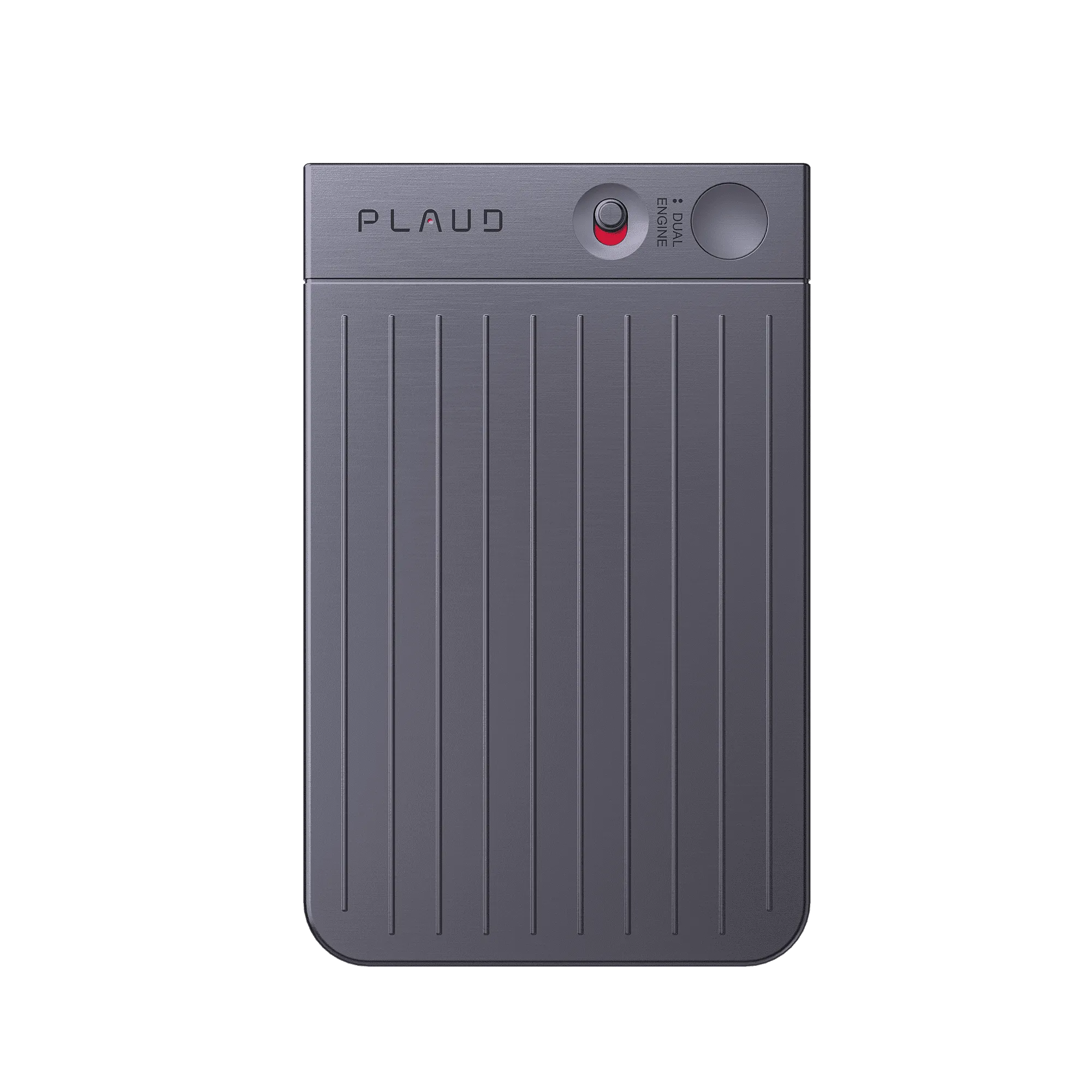
When the discussion shifts languages, you do not want to dig for another recorder. Plaud Note stays credit-card slim with a MagSafe case for easy attachment to your phone, so you can press once and capture the full meeting audio—hands on the device you already carry into the room.
After the recording is complete, Plaud transcribes the audio and generates easy-to-read summaries and mind maps in 112 languages, so you are not stuck replaying long files to understand what mattered.
When the summary and mind map land in a language you can work in, you can align next steps, numbers, and commitments across clients and regions without rebuilding notes from scratch.
Creator review
Qetti_lomidzee, a good finds creator, shared how Plaud Note on MagSafe captures with one press, then delivers transcripts, summaries, and mind maps in 112 languages.
Creator's vertical video review (Instagram)
Qetti_lomidzee
Good finds creator
Platform
Audience
Global professionals who run multilingual meetings and client calls
Scenario tested
MagSafe phone-back capture, one-press recording, multilingual summaries and mind maps
"After the recording is complete, it transcribes the audio and generates easy-to-read summaries and mind maps in 112 languages."
— Qetti_lomidzee, video at 00:13
The problem & the fix
When a client or teammate starts speaking in another language, your notes fall behind immediately. If you only catch fragments, you lose pricing terms and follow-ups you needed verbatim.
Copy-pasting into a translator mid-call breaks your focus. If you chase every sentence manually, you miss the next point and the conversation moves on without you.
You end with a long file you cannot skim. If you replay for hours, you still risk missing numbers and next steps when the discussion mixed languages.
Use the MagSafe case to attach Plaud Note to your phone before the meeting starts. It captures every speaker from the first word, regardless of which language enters the room.
One press starts capture and runs in the background, so you stay focused on the client instead of switching apps every time the language shifts.
After the recording is complete, Plaud transcribes and generates easy-to-read summaries and mind maps in 112 languages, so you review structure instead of replaying everything.
Choose your AI voice recorder
Pick the device that matches how you run multilingual meetings.
 Room-scale
Best for multilingual meetings with up to 5 m pickup and smart dual-mode recording
£169
Shop nowQetti_lomidzee's pick
Best for multilingual meetings with MagSafe phone-back capture and dual-mode recording
£149
Shop now Clip-on
Best for multilingual meetings with wearable clip-on capture on the move
£149
Shop nowCreator story
Qetti_lomidzee x Plaud Note
When clients and teammates mix languages, a recording alone is not enough. Saved audio still leaves you translating line by line, and your notes rarely match what both sides actually said.
In her review, she highlights a credit-card-sized device that notes down everything, with a MagSafe case for easy attachment to your phone. Powered by Plaud Intelligence, it records meetings, lectures, and even both sides of a phone call with a simple press of a button, so capture starts before you think about typing.
After the recording is complete, the workflow turns into transcripts plus easy-to-read summaries and mind maps in 112 languages, so the meeting can end with something you can read, share, and act on, not just a file you dread replaying.
"This credit card-sized device notes down everything for you and comes with a MagSafe case for easy attachment to your phone."
Qetti_lomidzee
Good finds creator · video at 00:00
112
Languages supported
1.5 M+
Users globally
260 hrs
Saved per year on average
Expert playbook
Follow this step-by-step playbook to master multilingual meeting capture with Plaud Note.
Make sure capture starts cleanly before the conversation stacks up in multiple languages.
Stay present while Plaud captures the full dialogue across languages.
Turn mixed-language audio into outputs you can read and share.
Build a library of multilingual meetings you can reuse without replaying raw audio.
Why Plaud
Plaud Note helps in multilingual meetings where language can get in the way of clear notes and follow-ups.
With MagSafe attachment and a simple press to record, you keep the workflow light when conversations move fast and languages switch mid-call.
Plaud Intelligence supports 112 languages, speaker labels, 10,000+ templates, and multidimensional summaries—so multilingual audio becomes skimmable outputs, not a replay marathon.
Built with AES-256 encryption, TLS 1.3, SOC 2, HIPAA, GDPR, and EN 18031 compliant practices—important when client calls include commercial terms across regions.
Real reviews
Hear from verified buyers who use Plaud Note in meetings.
Great device for all meetings! Hassle free and great summary provided using AI.
It is extremely easy to use and automatic notes are extremely impressive!
If you're in board meetings, or need to take notes, this tool works well.
I use this for all of my meetings and work calls. Absolutely worth the investment.
FAQ
Questions global professionals ask before using Plaud Note for multilingual meetings, not generic recorder troubleshooting.
Every Plaud AI note taker includes a free Starter Plan with 300 transcription minutes per month. If your week is packed with cross-language client sessions, upgrade to Pro or Unlimited when you need more minutes so summaries and transcripts keep pace with volume.
Yes. Plaud is built with strong security practices, including AES-256 encryption, TLS 1.3, SOC 2, HIPAA, GDPR, and EN 18031 compliant standards, which matters when multilingual meetings include pricing, contracts, or personal data from more than one jurisdiction.
Plaud Intelligence transcribes in 112 languages and generates summaries and mind maps from the same recording. Start with the summary to grasp decisions and terms, then open the transcript only when you need a verbatim line.
Before you capture audio, give others a quick heads-up. Local rules on recording vary by country, so check what applies to your situation. When you ask, keep it simple: for example, “Mind if I use my AI note taker so I don’t miss details or follow-ups from our chat? I can share the notes after.” That keeps trust high while you capture every language in the room.
Heavy background noise can affect any recorder. Keep Plaud Note within in-person pickup range, face speakers when possible, and reduce competing sound where you can. Plaud’s audio processing is built to clean up typical office noise before transcription, but clearer capture still yields cleaner text, especially when accents and code-switching already make the meeting hard to follow.
Keep exploring
Learn how Ask Plaud pulls answers from long notes—so you can align details across multilingual meetings without replaying everything.
Explore →Speaker labels and custom templates help you structure recaps when multiple speakers mix languages in the same meeting.
Explore →A user story about turning meetings into follow-ups—useful when multilingual calls need to become action items, not just recordings.
Explore →Trending Search

Trending Search
Suggested Searches
Popular Products
Matching Results