Verified
★★★★★
Great device for all meetings! Hassle free and great summary provided using AI.
 ×Sali_shh
For minimalist professionals who do not want to burn meeting time on complicated recorder setup—so they can press, speak, and get everything turned into text.

Based on real creator reviews · Trusted by 1.5M+ professionals globally
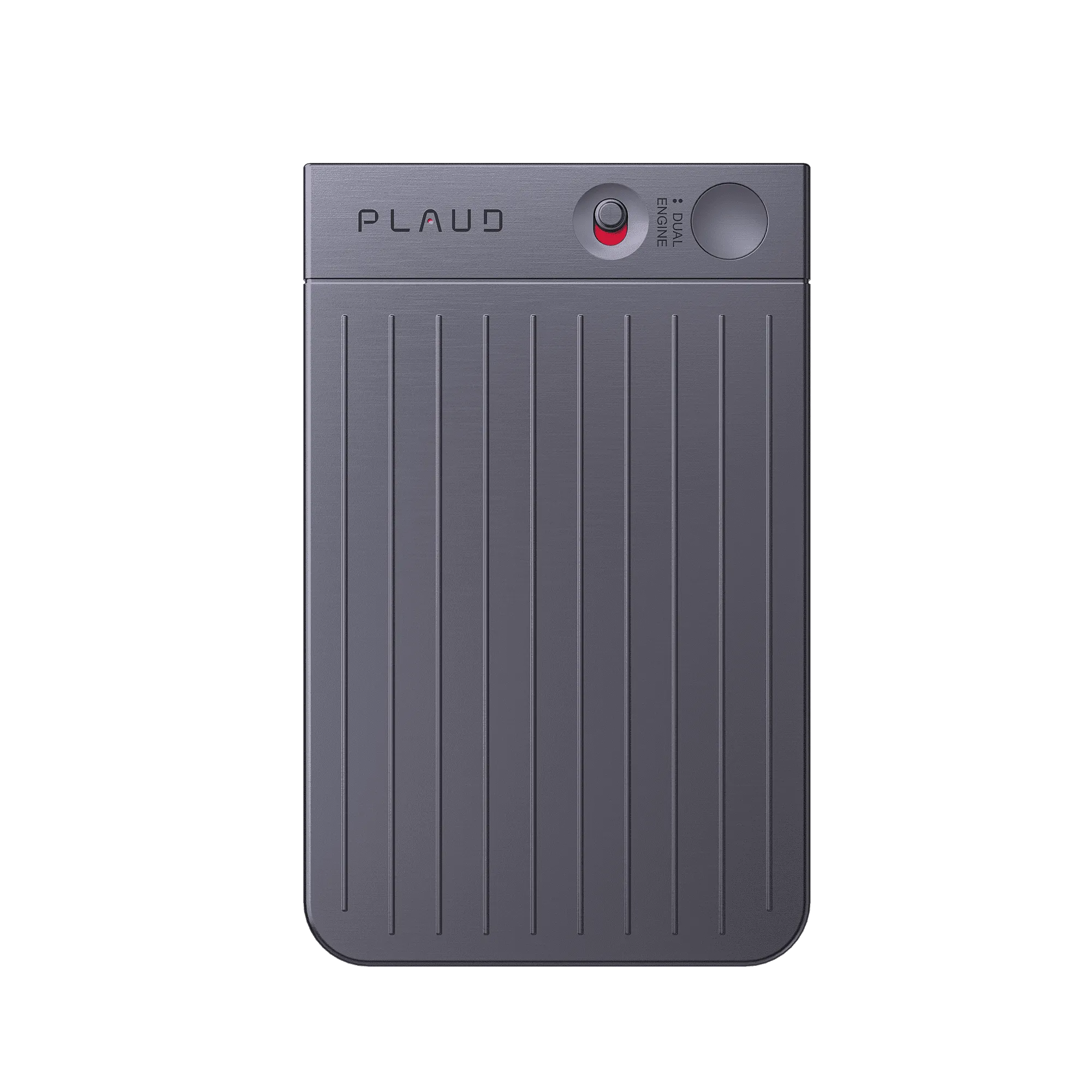
When the room is already talking, you need capture that feels simple. Plaud Note is built to record meeting audio with a press-and-speak flow you can repeat without opening a maze of menus—so the first minutes go to listening, not configuration.
It is designed to automatically transcribe what you captured in meetings, with Plaud Intelligence supporting accuracy across 112 languages and structured outputs like multidimensional summaries when you are ready to review—not while you are still in the room.
When you open the Plaud App, you can use Ask Plaud, export or share, and keep everything synced—so “the app does the rest” becomes a real follow-up path instead of another backlog of raw clips.
Creator review
Sali_shh, a lifestyle creator, shared how Plaud Note fits minimal-setup meeting capture when she wants meeting audio captured fast.
Creator's vertical video review (Instagram)
Sali_shh
Lifestyle creator
Platform
Audience
Minimalist professionals who want low-friction meeting capture
Scenario tested
Meeting audio capture with simple controls and app-led follow-up
"Just press, speak, and everything gets turned into text."
— Sali_shh, video at 00:14
The problem & the fix
The agenda lands fast while you are still configuring settings. You miss the framing and your recap starts without the exact first commitments.
Hunting for the right recorder, naming files, and switching apps pulls eyes off the room. You half-listen and still lose continuity.
Saving audio is not enough. You still need hours scrubbing clips to find what matters, so your meeting notes stay fragile.
Place your phone with Plaud Note attached on the table before the meeting starts. It captures from the first word, so the framing and early commitments are already in the transcript when you review.
One press starts recording — no file naming, no app switching, no settings to adjust mid-meeting. You stay with the conversation instead of managing a device.
After the meeting, the app turns audio into transcripts and summaries you can scan. You go straight to what matters instead of scrubbing through raw clips.
Choose your AI voice recorder
Choose the recorder that matches your routine — same Plaud Intelligence workflow, different device styles and pickup needs.
 Long-range
Best for minimal-setup meeting capture with pickup built for bigger rooms
£169
Shop nowSali_shh's pick
Best for minimal-setup meeting capture with slim phone-first capture
£149
Shop now Wearable capture
Best for minimal-setup meeting capture with hands-free wearable capture
£159
Shop nowCreator story
Sali_shh x Plaud Note
Before finding Plaud Note, simple meeting notes still meant a hidden cost. Either she burned the opening minutes on settings, or she stayed on manual notes and missed what was said. Tools that felt powerful on paper often stayed in the drawer because the setup never matched a real workday.
In her video, Sali_shh keeps the story grounded in low friction. Plaud Note is for meeting audio, and it is actually really simple to use: press, speak, and the audio turns into text. She also walks through how the app works so the workflow feels learnable instead of intimidating.
The payoff is the line she repeats: just record your voice and the app does the rest. Less replay, less cleanup, and a transcript ready to review when she is, not another evening lost to scrubbing audio.
"It's easy to use. Just record your voice and the app does the rest."
Sali_shh
Lifestyle creator, video at 00:30
112
Languages supported
1.5 Million
Users globally
260 hrs
Saved per year on average
Expert playbook
Master minimal-setup meeting capture with this step-by-step playbook.
Make the first recording of the week boringly simple so a live meeting never becomes a setup session.
Keep attention in the room while the device holds the raw signal.
Turn audio into text and structured outputs you can skim, not replay.
Keep minimal setup from turning into messy archives.
Why Plaud
Plaud Note keeps capture simple, then hands transcription and structure to Plaud Intelligence so review feels lighter than replay.
Press, speak, and keep attention in the room. Pair once, then skip the pre-meeting setup. No app to open when the conversation is already underway.
Plaud Intelligence supports 112 languages, speaker labels, and 10,000+ templates, so your meeting audio turns into skimmable outputs—not a pile of files.
For sensitive discussions, Plaud highlights compliance including AES-256, TLS 1.3, SOC 2, HIPAA, GDPR, and EN18031 compliant—so capture does not trade privacy for speed.
Real reviews
Discover what customers love about Plaud Note for meeting capture.
Great device for all meetings! Hassle free and great summary provided using AI.
It is extremely easy to use and automatic notes are extremely impressive!
If you're in board meetings, or need to take notes, this tool works well.
I use this for all of my meetings and work calls. Absolutely worth the investment.
FAQ
Common questions about using Plaud Note as an AI note taker for professionals who want minimal-setup meeting capture.
No. Place your phone with Plaud Note attached flat on the table and leave it. Plaud Note captures in-person audio up to 3 metres; Plaud Note Pro extends that to 5 metres with a 4 MEMS and 1 VPU microphone system. Pick the device that matches your room size.
You are not buying transcripts as a separate add-on at checkout. On the UK site, every Plaud AI note taker includes a free Starter Plan with 300 transcription minutes per month. Upgrade to Pro or Unlimited when you need more.
Steady background noise like HVAC or projector hum is what Plaud's audio processing is built to reduce before transcription. You still get the best results when the mic is within range and people speak toward the table.
After pairing once, starting a recording is a single press — no app to open mid-meeting, no settings to adjust. Typical rhythm: press when the meeting starts, let it run, then sync and review when you are ready.
Plaud Note supports up to 30 hours of continuous recording on a single charge, so a full day of back-to-back meetings stays captured without a mid-meeting top-up. Charge it the night before and it is ready for whatever the day brings.
Keep exploring
Covers bridging online and in-person conversations—useful when your “minimal setup” still spans hybrid meetings.
Explore →A user story about turning meetings into searchable follow-ups—pairs well with hands-off notes after recording.
Explore →Helps you keep recap formats consistent once transcripts exist—less manual cleanup after each meeting.
Explore →Trending Search